Fluffy BMO & ATtiny Homework

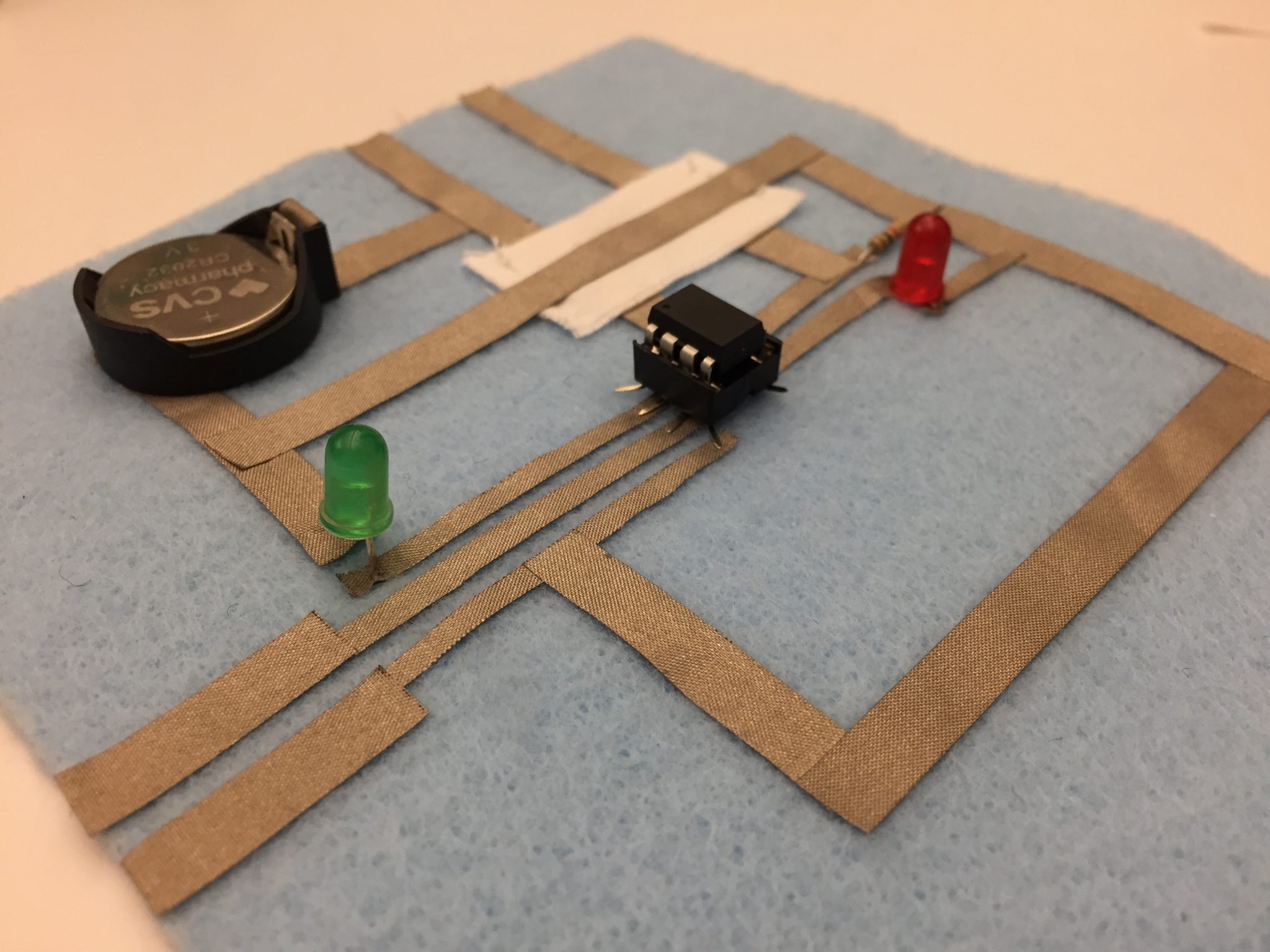
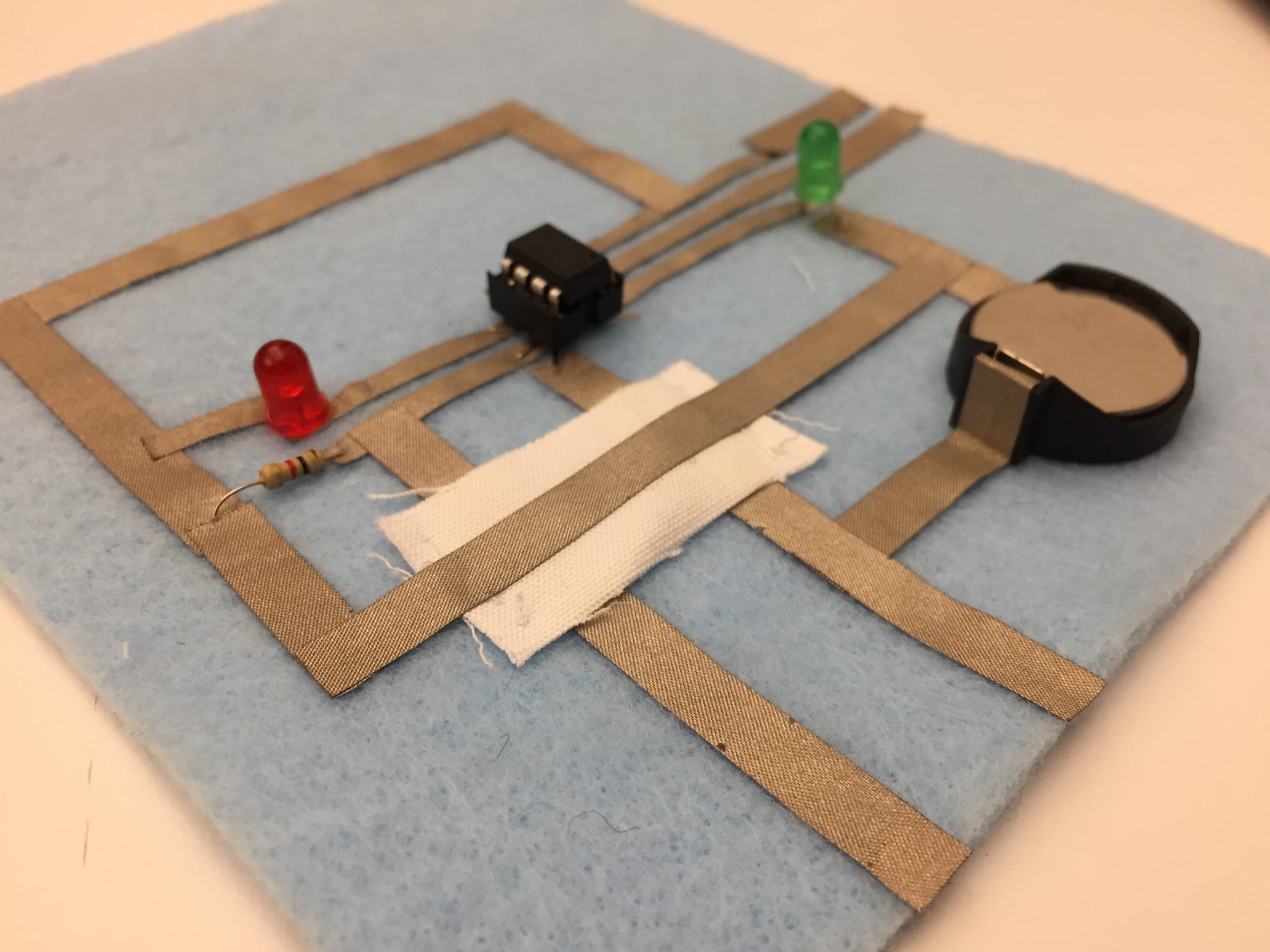
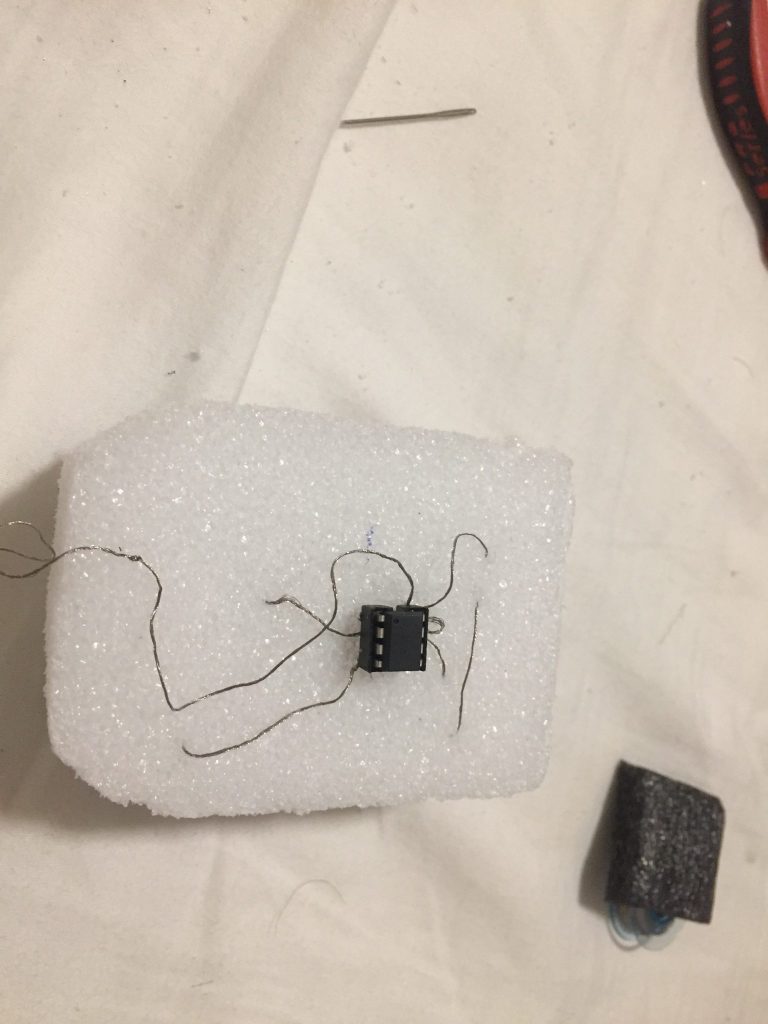
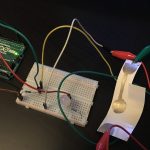
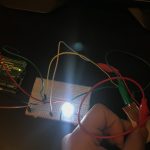
ATtiny Circuit

Videos

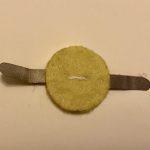
Button

Switch

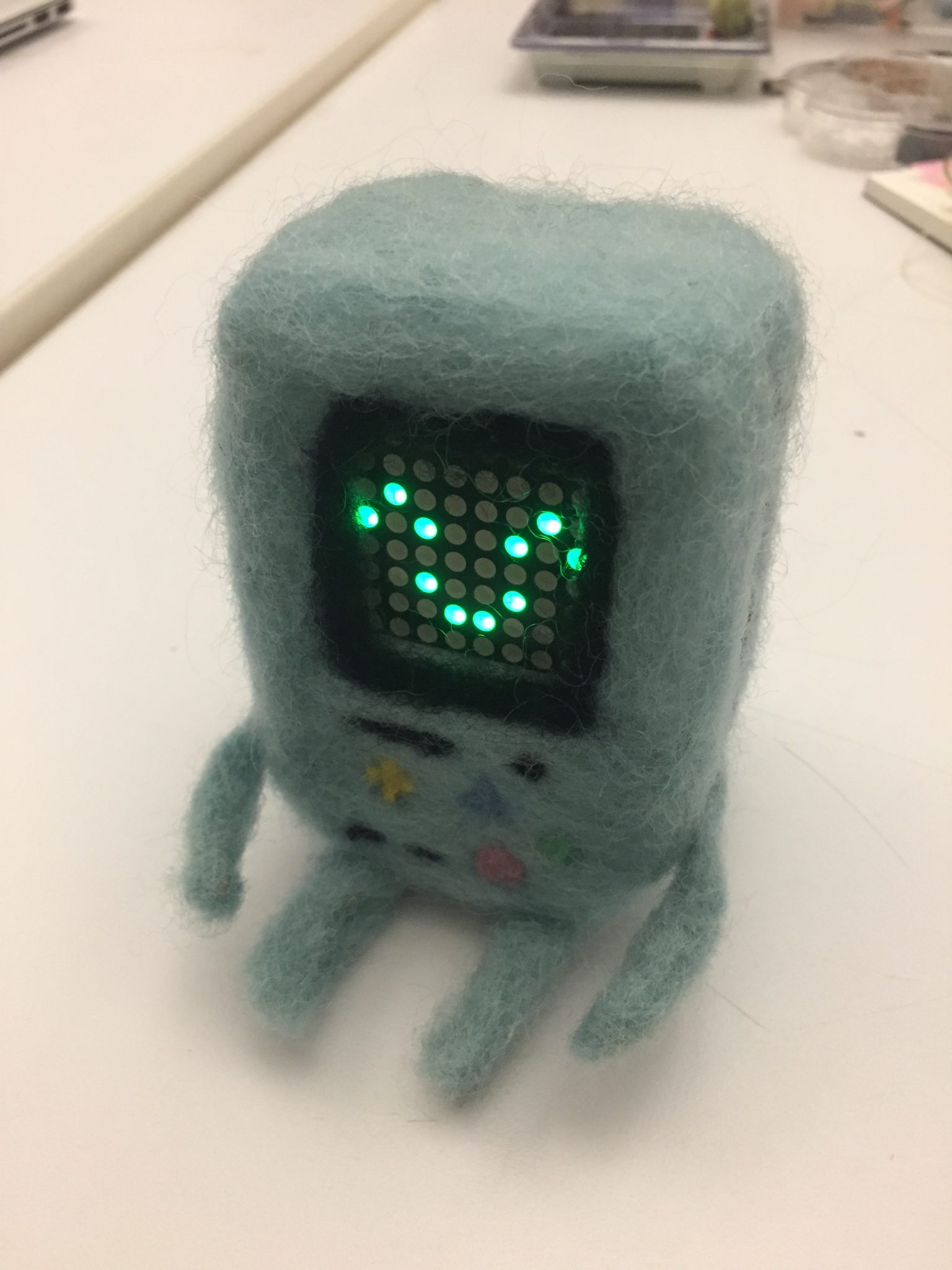
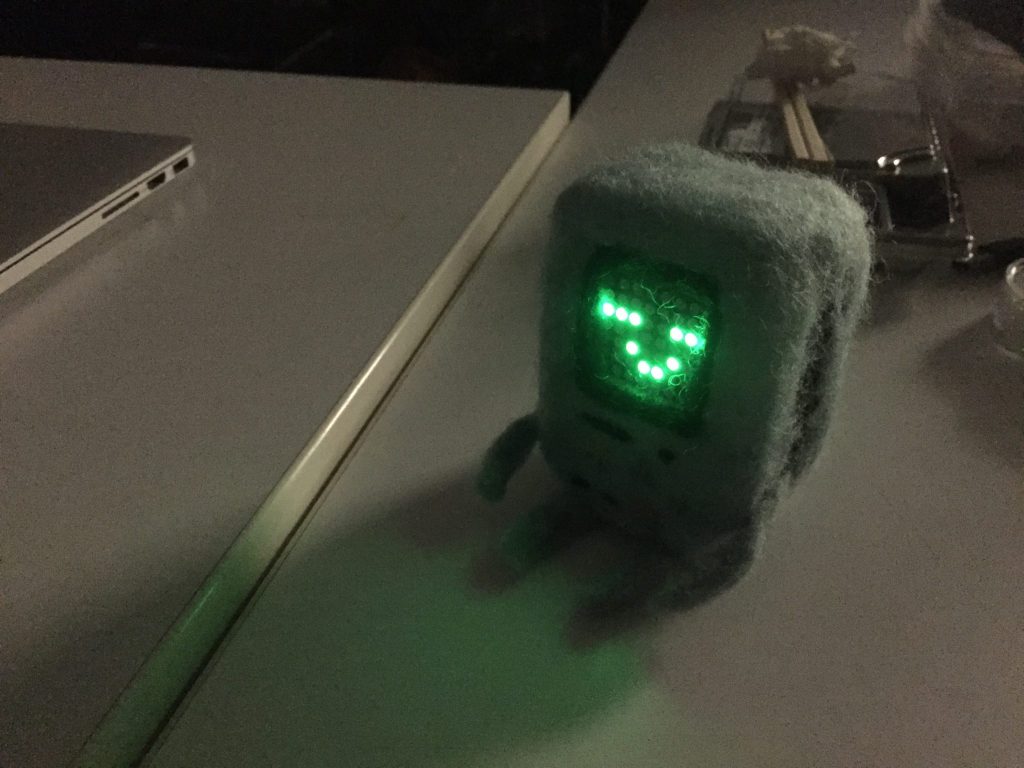
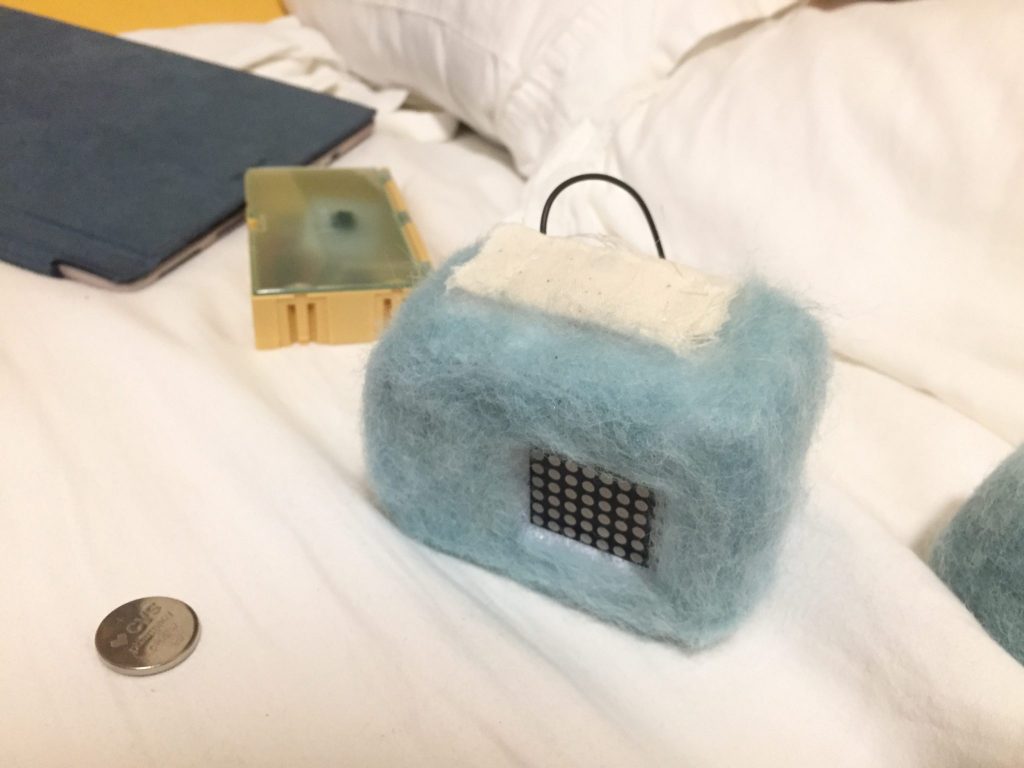
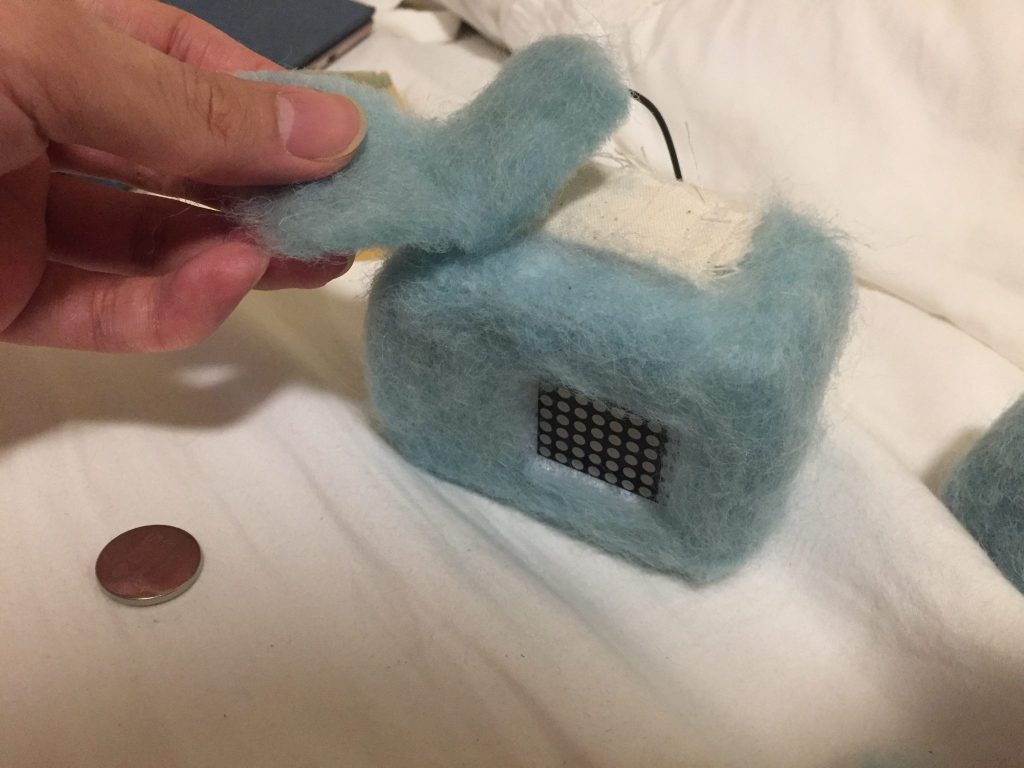
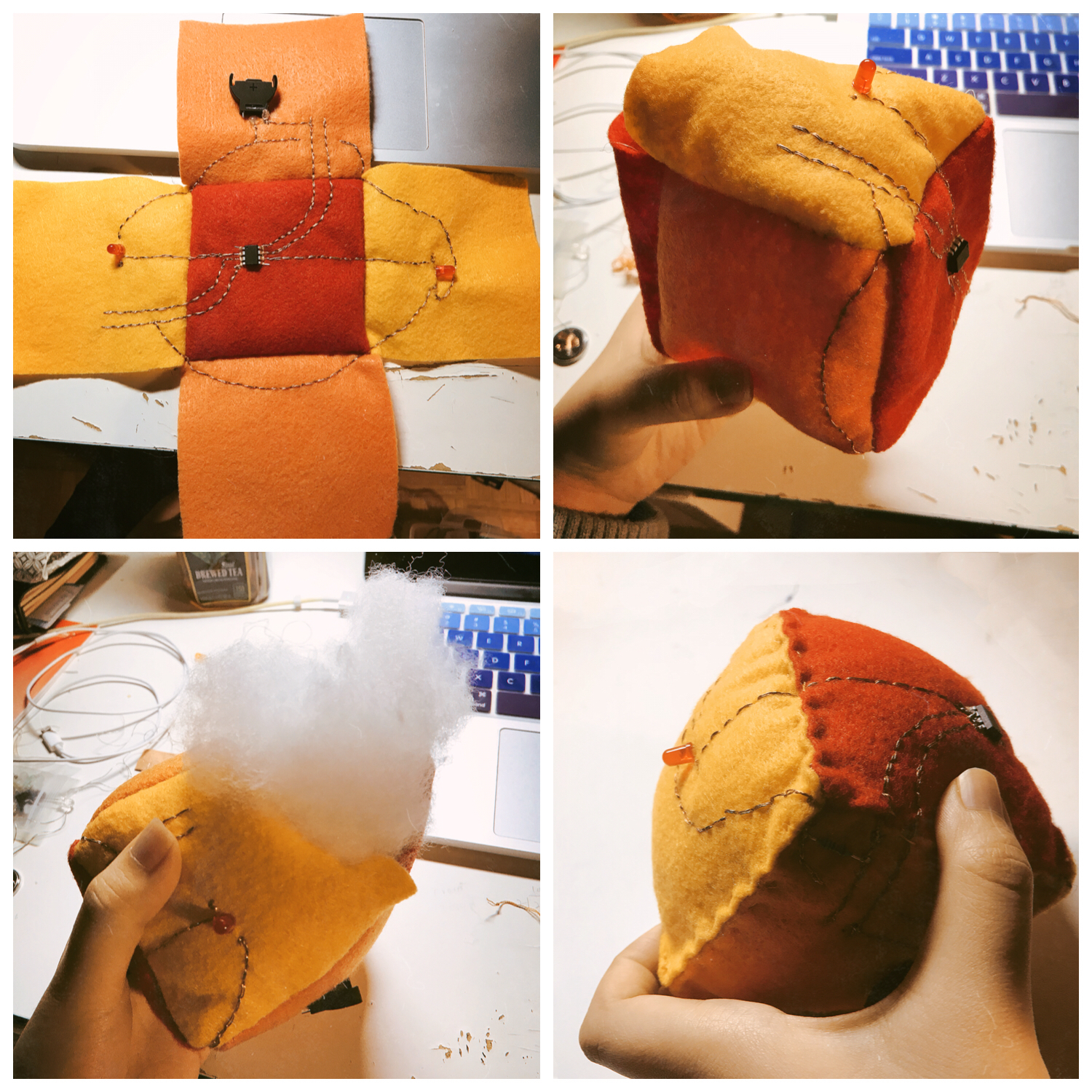
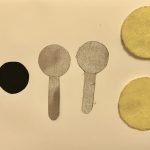
Fluffy BMO

FOR THE INSTRUCTABLE LINK:

https://www.instructables.com/id/Felted-BMO/


How I made it?

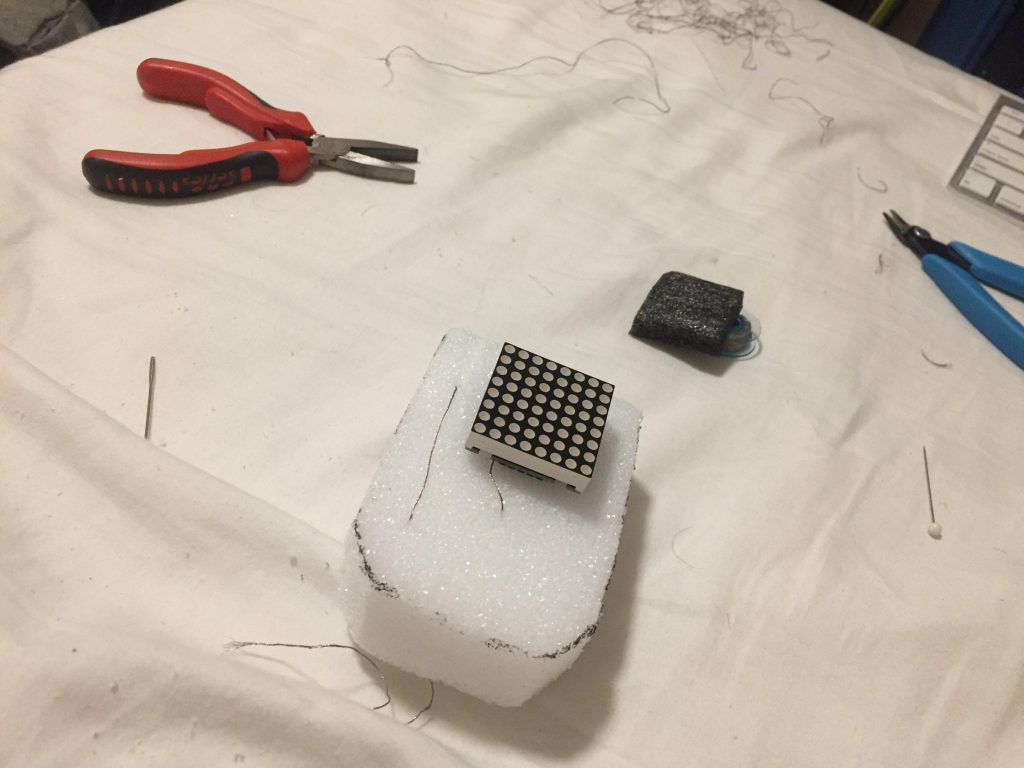
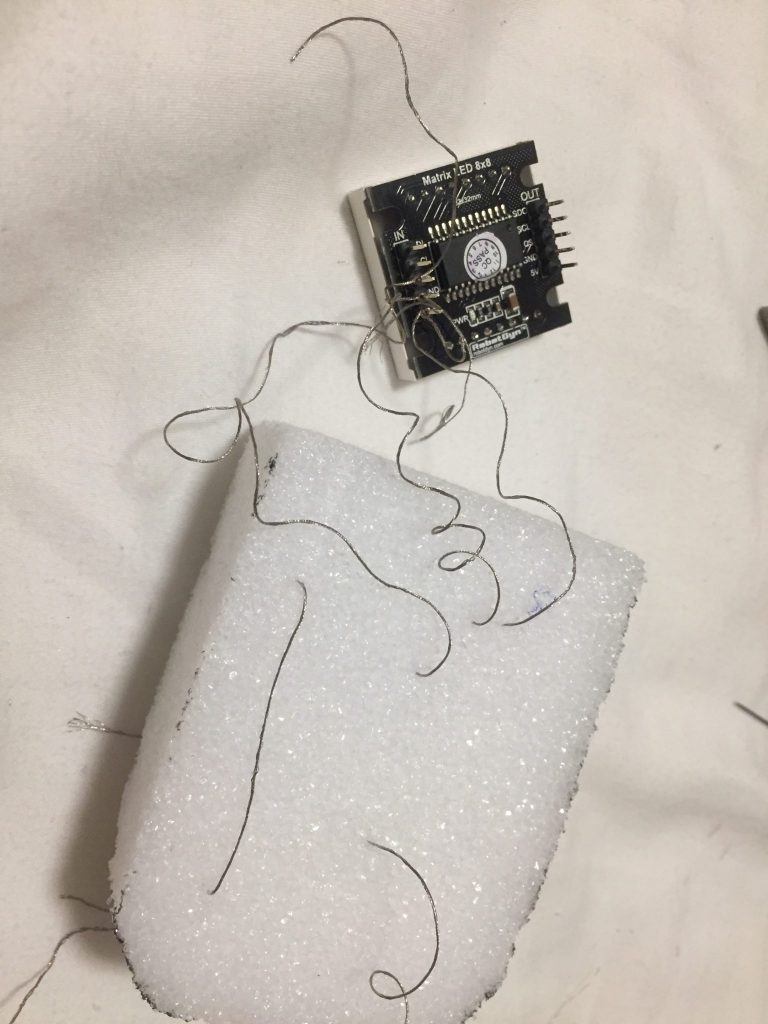
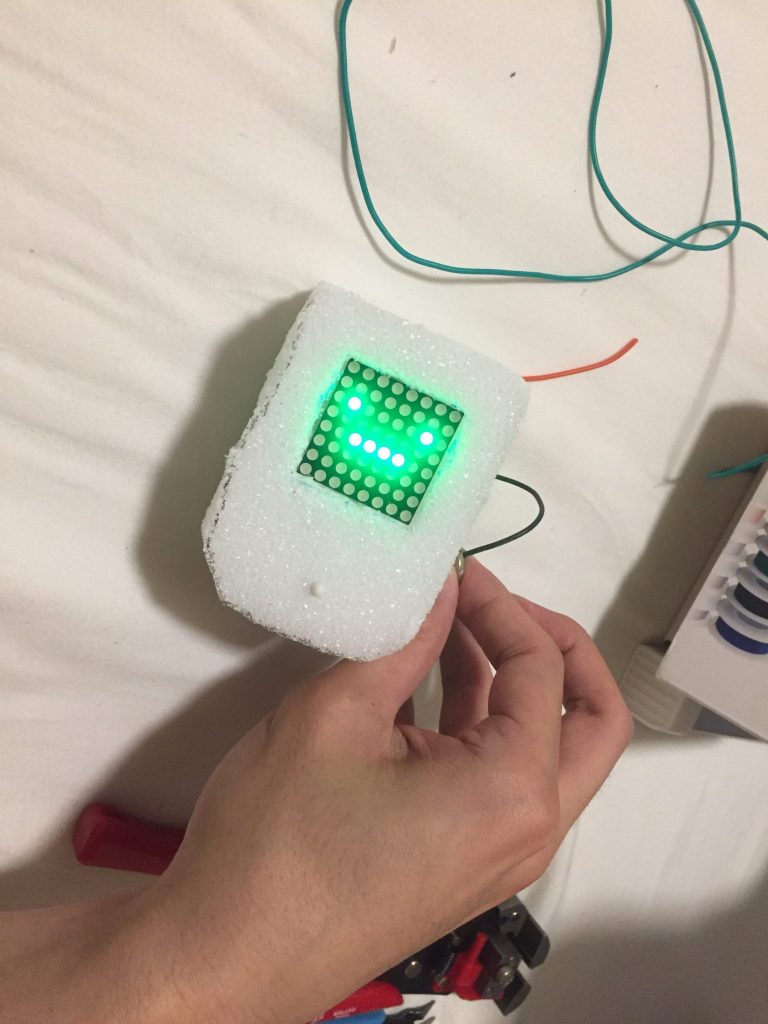
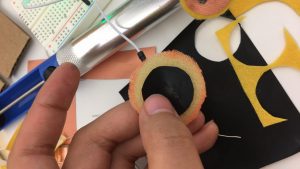
I start to use a foam as a base for the body. Then, embed the Matrix 8 by 8 in the front of it.

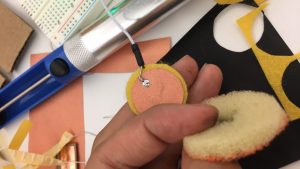
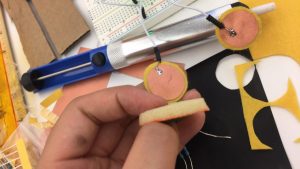
I work on a soft button which hides beside the body of the Robot


Week 6 – Youchun Zhang

Connect a soft switch to Arduino

Demo video IMG_0783

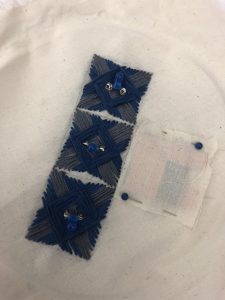
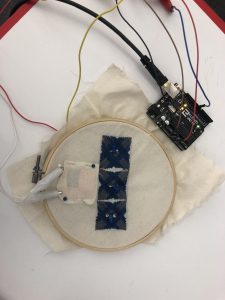
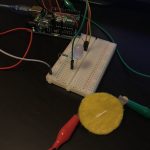
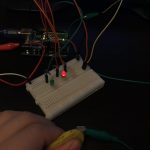
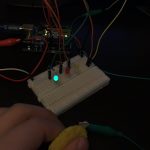
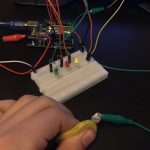
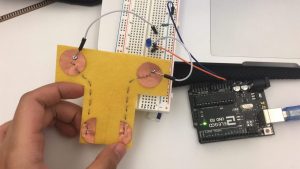
I used a switch from the swatch exchange and uploaded the “Blink” example to control the LED.

Connect a sensor to Arduino

Demo video IMG_0777

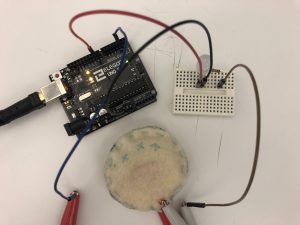
Step 1: Set up the LED

Step 2: Build the pressure sensor

Step 3:  Connect to Arduino

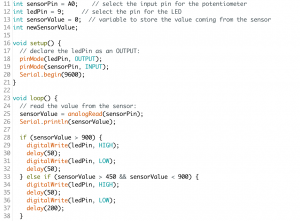
I added one if/else and set two thresholds – 450 and 900. When the sensor value is between 450 and 900, the LED will blink slowly. When the sensor value is larger than 900, the blinking will be much faster.

Midterm

For my midterm project, I would like to combine the open-weave pendant style with LED and create a lamp.

Shenyue’s Assignment 6

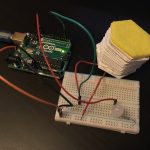
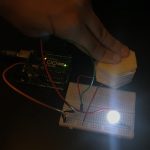
I attached my pressure sensor into my Arduino circuit. As a result, the led light bulb will turn on when pressed hard. The pressure put on the sensor determine the brightness of the light bulb.

IMG_1514.TRIM

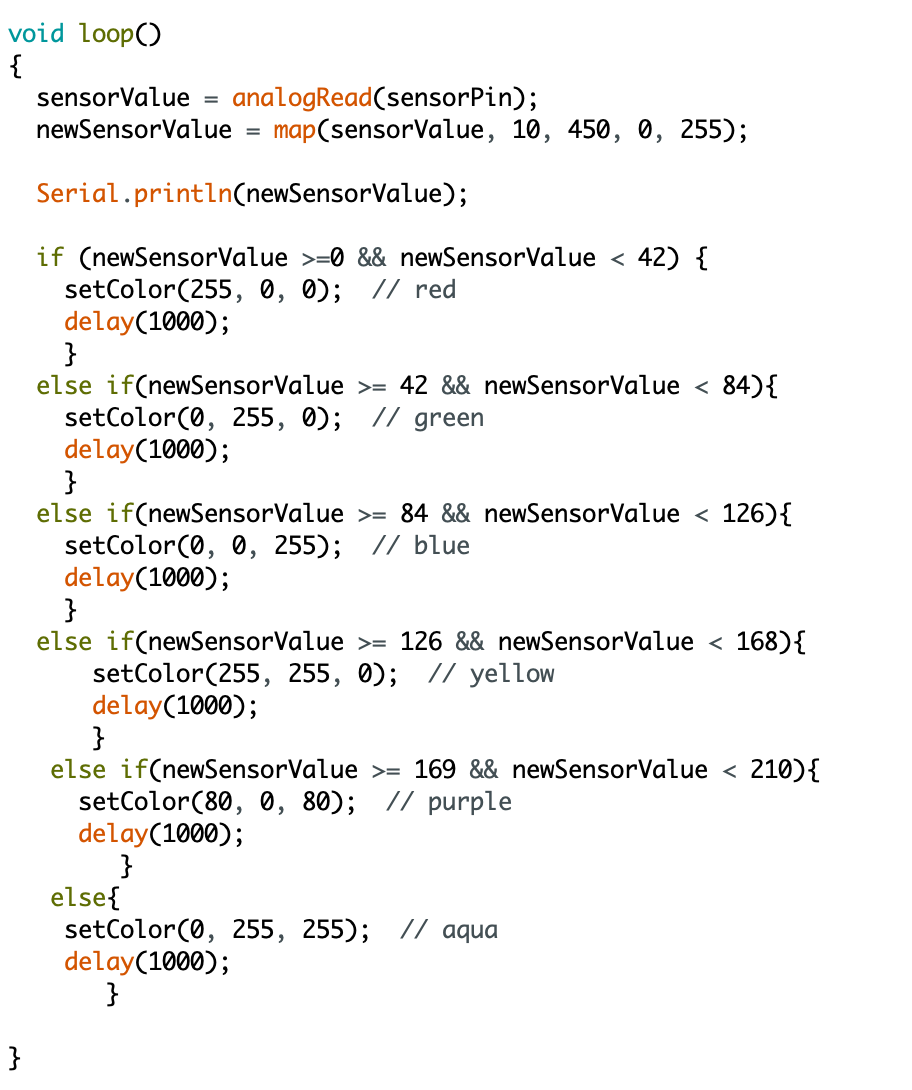
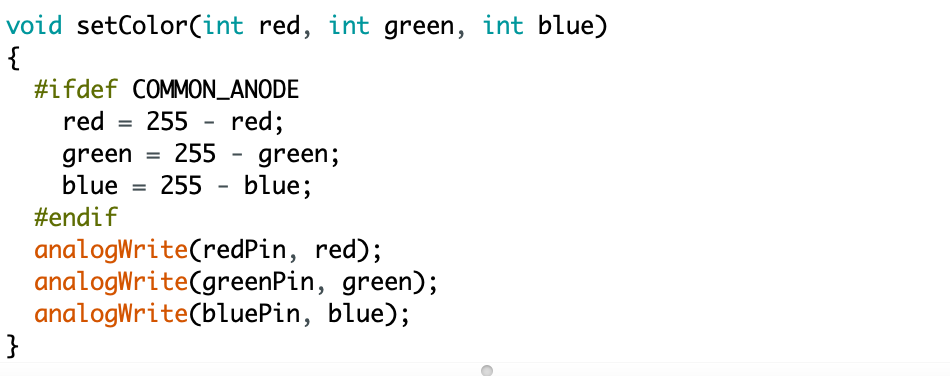
Then I used RGB light bulb and pressure sensor. The RGB light bulb will change its color by the pressure, from red to purple. I spent a lot of time working on the map function, trying to specify the range of sensor value and finally I worked it out.

IMG_1516.TRIM

For the midterm project, I intend to do a lamp that can be triggered by the sound, using fabric as decoration. Thus, whenever there is people around, it will light up.

Week 6 – Dario Narvaez

To control the LED with the soft button, I used the switch I built in week 3 made out of folded paper, which adds elastic properties to the material. This pushbutton explores a fun way to activate and control a circuit. In this case, I’m connecting the button and the LED through Arduino using a basic digital read function from the inputs and a digital write for the output.

Materials

  • Arduino
  • x3 LEDs
  • Soft Button (Pushbutton)
  • Sensor made with Velostat and fabric
  • Jumper Wires
  • x3 220 k Resistor
  • x1 10k resistor

To control one or more LEDs with a sensor. First, I built a sensor using Velostat. Velostat is a material that must be calibrated very well, since the values can be very variable and instable. To turn the LED off and on using Velostat I used map function where I compared the minimum and maximum number displayed by the sensor (in this case 940 and 1023), with the minimum and maximum intensity of the led (0-255).

To control multiple LEDs with the sensor I created three conditions. When the sensor is pressed and the sensor value is less than 940, the LED 1 (white) illuminates, when the value is greater than 940 and less than 1023, the red LED will light up, and if it is 1023 or maximum pressure, the yellow LED will turn on.


Midterm Lamp

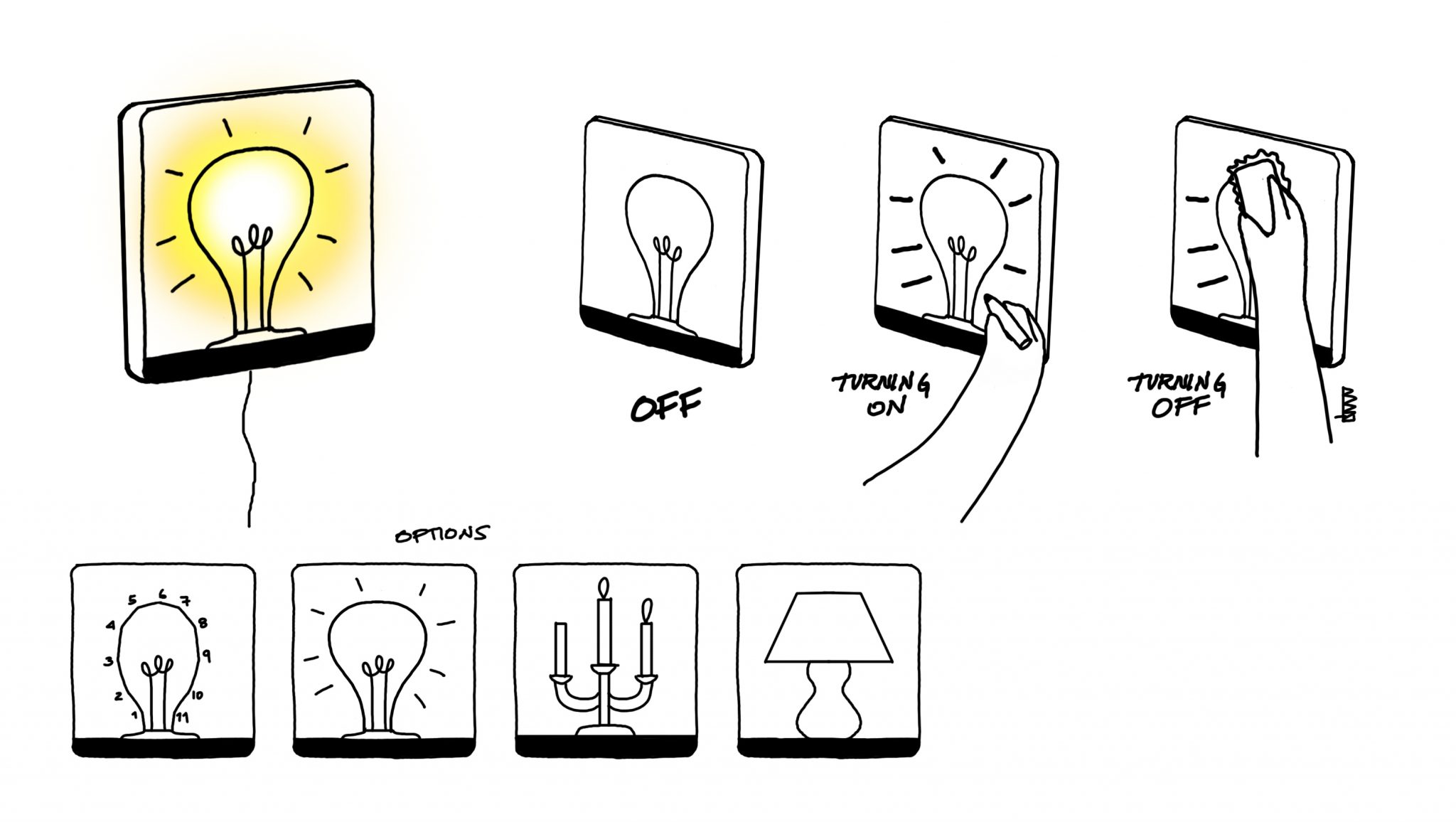
For the lamp I found inspiration by the drawings made by connecting dots as a playful way to interact with paper. The idea is grounded under this premise: Can you draw your own lamp? Can you activate the lamp by drawing it? Can you control the light by doodles? As you draw the icons, the circuit closes, and therefore turns on. If the drawing is erased, the circuit opens, and the lamp turns off.

This idea can be scaled to other icons and images such as candlesticks, light bulbs, lamps, etc…

The idea was born when I saw the technology with erasable conductive markers. Although this technology can’t be used in this case due to the limitations in terms of material and the fact that the object will be linked to a specific marker, I believe that I can achieve the same effect with magnets.

Week 6 – Anna Garbier

Part 1: Control an LED using a soft sensor and Arduino.


Part 2: Build a circuit with one constructed sensor (variable resistor), your Arduino, and 3 (or more) LEDs or an RGB LED.

Watch in action here; still images below.
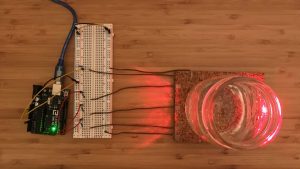
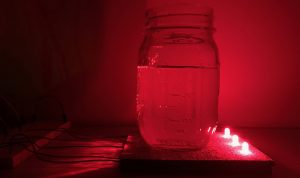
 (the setup)

 (full glass on sensor triggers all three LEDs)

 (playing with light, water, and glass)

Summary: Arduino reads the analog input from a constructed pressure sensor, controlled for example by pouring water into a jar over the sensor pad. Based on the input, the Arduino controls three LEDs: the more pressure, the more lights turn on.

Pressure sensor materials: Velostat, conductive tape, cork, LEDs.

Code: https://github.com/annagarbier/annagarbier.github.io/blob/master/work/courses/2018/fall/computational_craft/resources/code/assignment_6.ino

Code snippet:

```
// This function determines the LED pins' output (HIGH or LOW)
// based on the sensor pin's input (held in the variable "average").
void displayLights() {
if (average > 200) {
digitalWrite(ledA, HIGH);
digitalWrite(ledB, HIGH);
digitalWrite(ledC, HIGH);
} else if (average > 150) {
digitalWrite(ledA, HIGH);
digitalWrite(ledB, HIGH);
digitalWrite(ledC, LOW);
} else if (average > 100) {
digitalWrite(ledA, HIGH);
digitalWrite(ledB, LOW);
digitalWrite(ledC, LOW);
} else {
digitalWrite(ledA, LOW);
digitalWrite(ledB, LOW);
digitalWrite(ledC, LOW);
}
}
```

Part 3: Document midterm ideas.

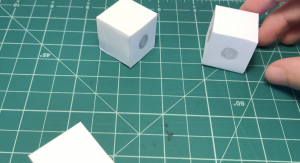
I’d like to create transparent modular blocks, each containing a piece of a circuit: e.g. one might contain a 3v battery, another a resistor, another an LED, and others just connecting components. A user would be able to play with the blocks by connecting them in 3d space; complete a circuit with the blocks, and the blocks with the LED shines.

The intention is to build something simple, playful, and educational.

 (early ideation on paper)

 (prototyping)

Week 6 HW – Zhenyuan Shi

  1. Switch connecting to Arduino:

I used a switch to turn on/off a LED.


2. Sensor for Arduino:

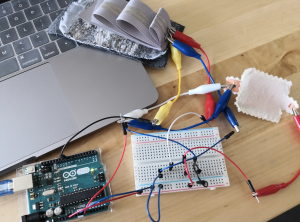
I created a pressure sensor to dim up/down the LED connected.

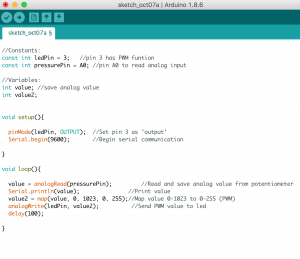
And here is the code for the sensor:

3. Midterm idea:

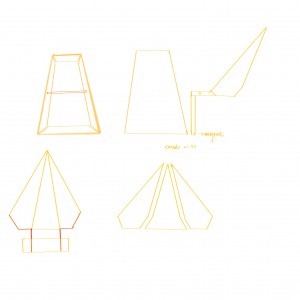
For my final project, I want to create a 3D paper bird lamp, so when you pull its tail up, the light would turn on, and then when the tail is down, the light will turn off.

Here is a paper prototype of it without a tail. And here is the design plan for the tail and how it is going to integrate with the circuit:


Week 6 – Erica

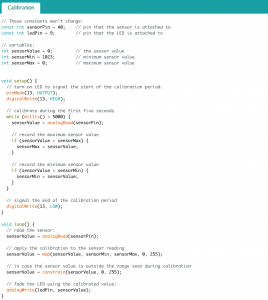
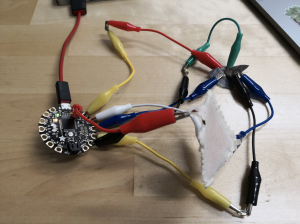
The first one is controlling the circuit with a button, I used the force sensor from the swatch exchange with the Calibration code, so the sensor can turn on/off the lights and control the brightness with the input force.


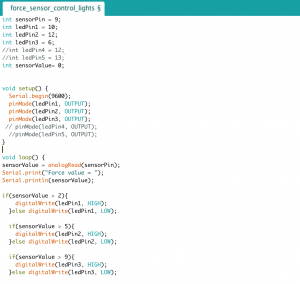
For the second circuit, I use the force sensor to control the 3 LEDs and they will light up one by one based on the input force value.


For the midterm project, I want to design an origami lamp with colorful organza fabric. The circuit will go inside and underneath the origami and the fabric will be the light defuser. I might incorporate the new Gemma M0 I just got into the lamp but it depends whether if I can figure out how to use it or not.