Category Archives: Assignments

Week 4 Assignment

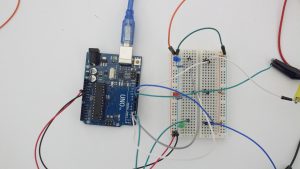
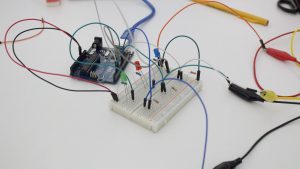
We created a circuit using three buttons that each individually lit up different LEDs, which was done by using if/else statements. If button 1 was pressed, then the white LED would turn on. If button 2 was pressed, then the red LED would turn on and finally if button3 was pressed, then the blue LED would turn on. Here is what the circuit looks like:

We created a video explaining what was occurring in the circuit.

The most fun part of doing this video was definitely planning the skit and making it with friends. The most challenge part was also planning the skit. We weren’t sure if we had enough information. We considered getting another person to represent the arduino and have ribbon act as the “wires” connecting from the pins to the arduino, but we decided it would be best to keep it simpler and just show what was happening with the power from the button to the LEDs.

Week 3 – Switches & Sensors!

Disclaimer: For week 3 project, I was under the impression that I needed to create four different switches… after I finishes someone mentioned that we were meant to create four of the same type of switch or pressure sensor. That said, Here are my four switch projects! ~~~

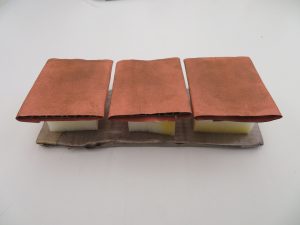
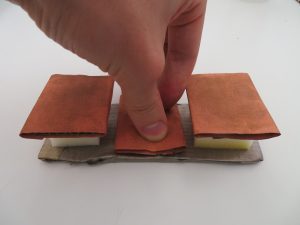
For this set of switches, I was trying to create a set of individual buttons that, when pressed, would light up a corresponding light! Also, I wanted each button press to be satisfying to the touch for the user. So I used conductive fabric and cardboard to make the buttons easier of the fingers! I also used a thick piece of foam to allow for greater travel when pressing down on the button. FEELS GREAT! 🙂


Project 2:

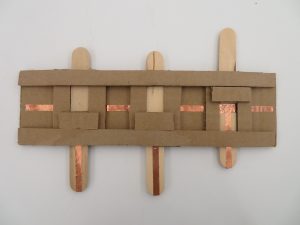
Next project, I wanted to create another series of individual switches. However for this set, I wanted to do this with pull switches that required a sliding motion!


Project 3:

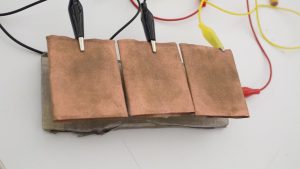
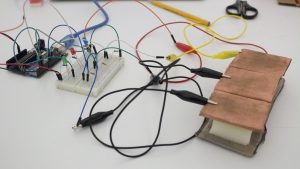
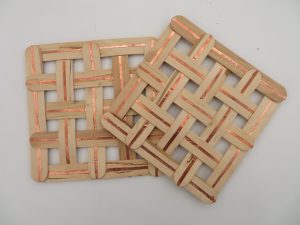
My third project is a resister made with copper tape and Popsicle sticks with a resistive fabric in between. The crossing pattern is also an attempt to control the level of current that can be passed from the positive panel to the negative.


Project 4:

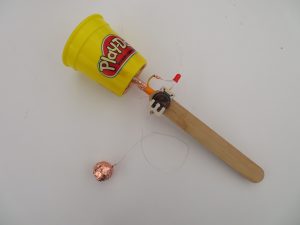
The last switch I’ve made is based on the old, Ball and Cup Game. The cup has a negative current while the ball is connected to the positive with a conductive string. Once the ball lands inside of the cup it completes the circuit and the light turns on, give the player extra satisfaction for achieving their goal!

Week 3 Assignment

This week, I made switches, using paper.

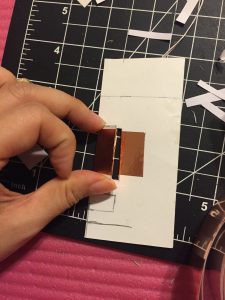
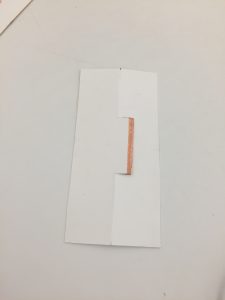
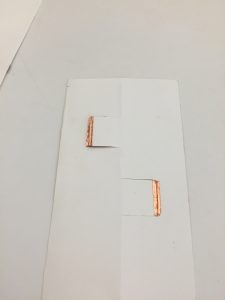
First, I tried a momentary switch.(Fig.1) When you bend it, it will be turned off.

 Fig.1

Then I tried many other forms of paper switches.(Fig.2,3,4) But they didn’t work well. Because after the paper was folded, it can not be perfectly flat. Then it’s still an open circuit after the switch was turned off.

     Fig.2,3,4

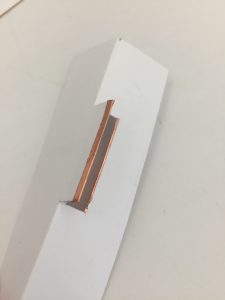
Therefore, I kept working on paper switches like the 1st momentary switch. (Using bending). The 1st switch is a normal switch. (Fig5, 6).

      Fig.5,6

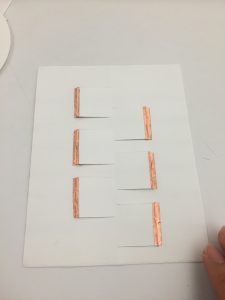
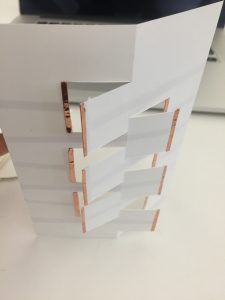
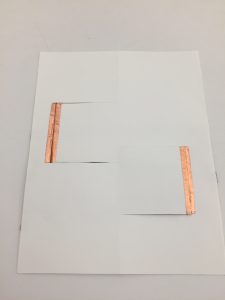
The second one is switches in parallel. When you bend the whole piece, you will make 6 parallel circuits open.

     Fig.7,8

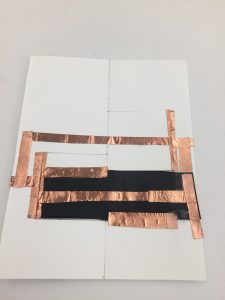
The third one(Fig.9). There are two switches in parallel. When you bend it, Circuit A will be open, Circuit B will be closed.  When the paper is flat, A will be closed, B will be open.

Fig.9

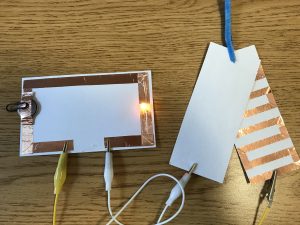
The fourth one(Fig. 10,11) There are two switches in parallel.One is a digital switch, the other is a switch containing a bend sensor. When you bend it towards you, the circuit is closed without resistors. The light is bright. When you bend it backwards, the circuit is closed. The light is dim and the brightness can change.

      Fig.10,11  

Assignment3_ Elly(Chiehli, Lin)

In this week, I am doing a set of turning switch, which means when 2 conductive pieces match together, the LED will lights up.


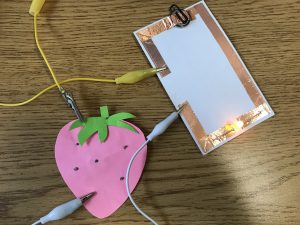
  1. Strawberry switch: The seeds on the body are made by a same conductive thread. The leaf has conductive tape in the back. When the user turn the leaf on to the right place, then the LED will lights up.


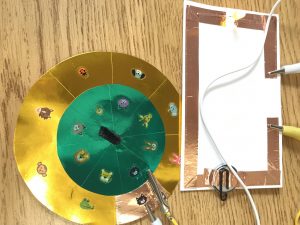
2. Russian Roulette: The turning circle is Inspired by the Russian roulette. I have conductive tape in the back, so that the same species matches up, the LED will light up. Maybe it can be a small game for kids?


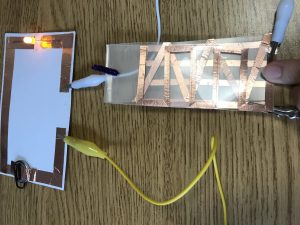
3. A pattern turning switch: 3 different patterns made by conductive tape. When all the 3 patterns layout on the same roll, the LED will lights up! And also, the user will see a new pattern. In this switch, when the patterns’ angles become larger, the LED light will become weaker.

Assignment 3: Conductive jewelry + tilt sensors

I wanted to I have always been fond of crafting, but I always had difficulties when dealing with materials, so I wanted to take this opportunity to play around more with conductivity in materials as well as finding ways to work around them.

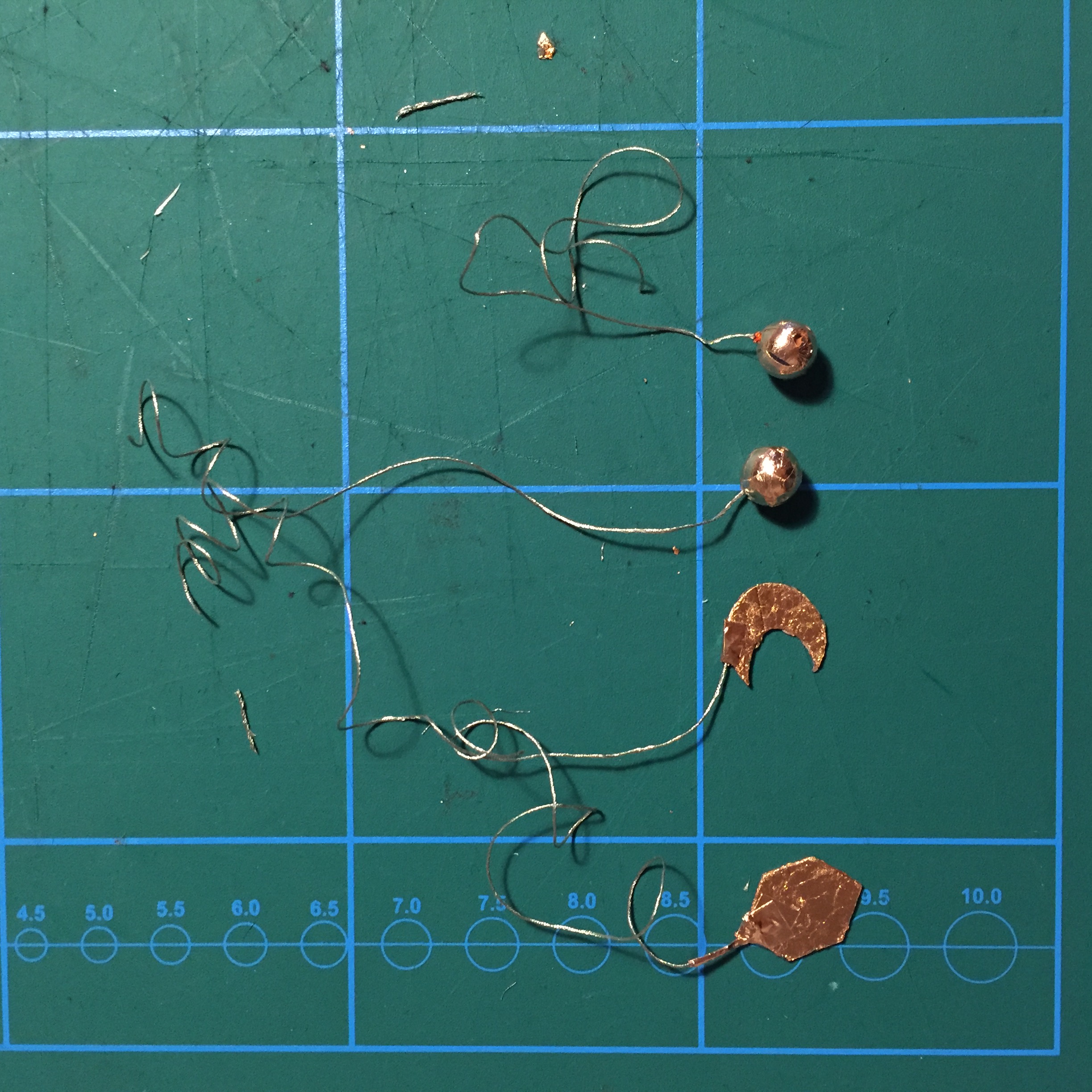
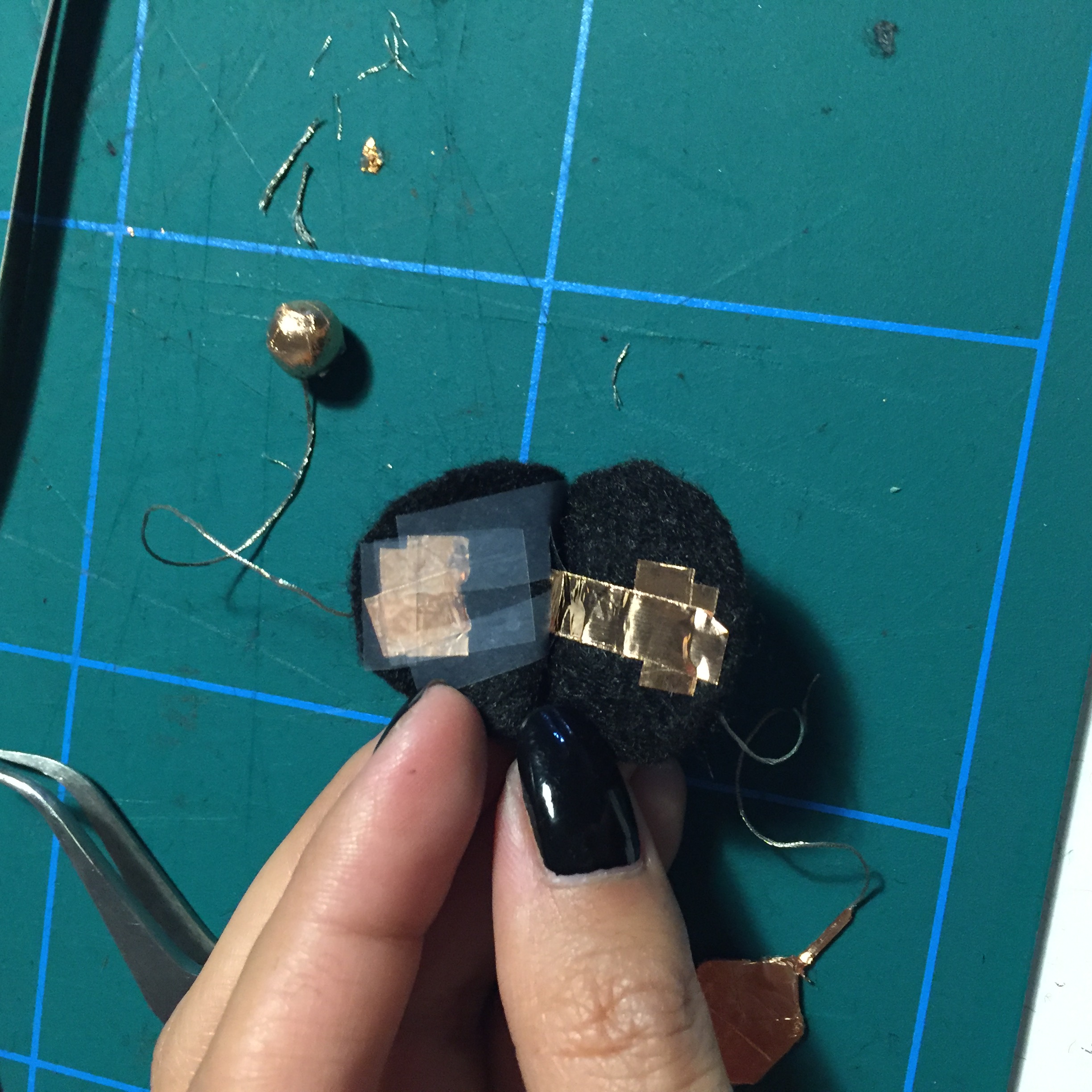
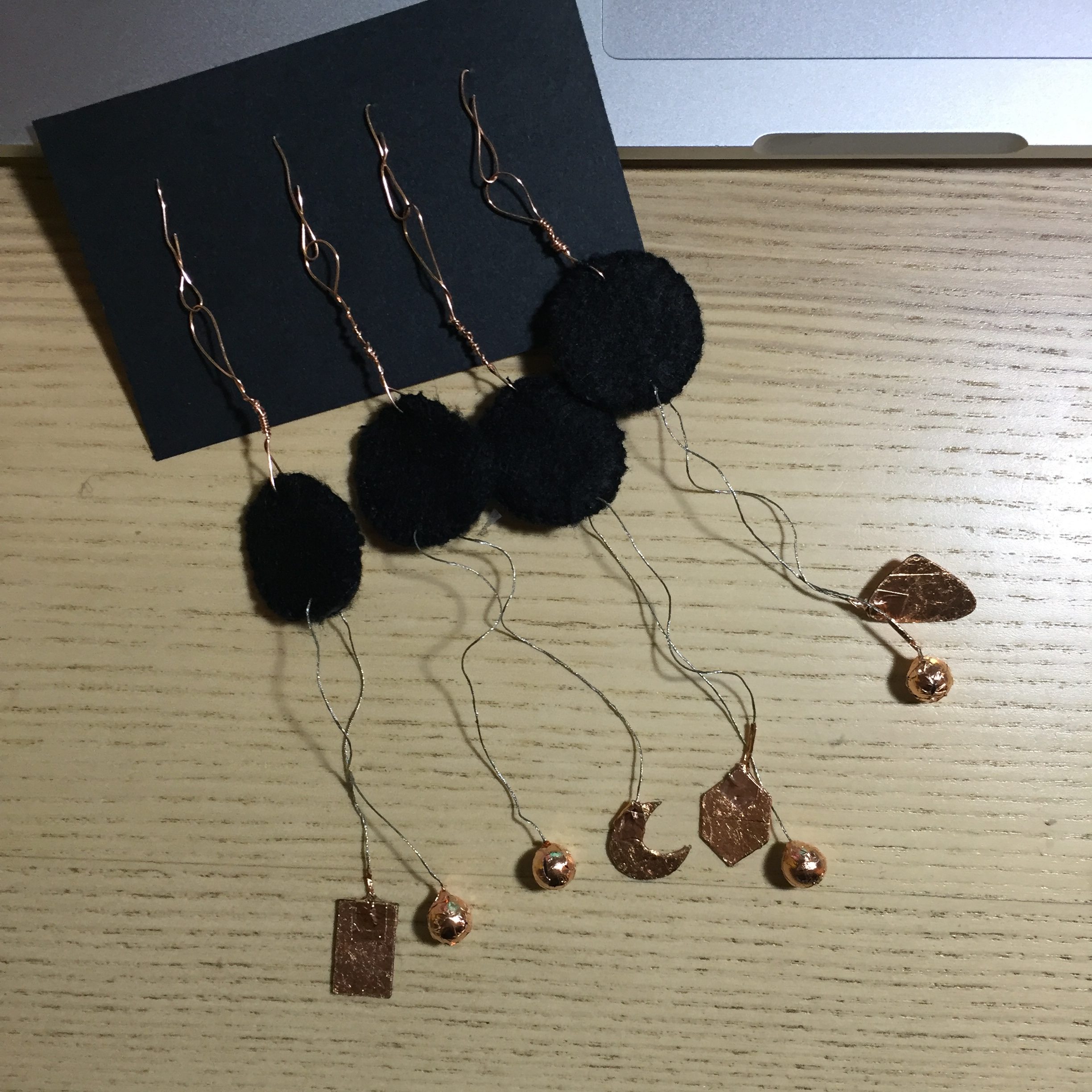
For this project, I created a series of necklace charms that also serve as tilt switches. Initially, I wanted the whole circuit to be integrated within the charms, but I couldn’t work around the circuit, so I decided to leave copper flaps on the backside of the charm so I can keep working on them for later projects.

The circuit itself is fairly simple, as the tilting relies mostly on either the dangling copper objects touching or the conductive threads touching.

I began by cutting out shapes and covering them with copper sheets. This process was actually hard as the copper sheets kept ripping off. I had to use a thick double sided tape to make the copper sheets stay in place. I also covered some beads with copper tape. Then I attached the conductive wire across the shapes and the beads.

Then I sew the tape onto a piece of felt and expanded the wire with copper tape and made flaps. I also covered the copper tape with a layer of tape so they wouldn’t overlap and short circuit.

Then I sew the two sides together and attached the charm caps.


If further expanded, these charms could be converted into earrings; and would work very well in rave parties, where movement and lighting add to the atmosphere.


Demo video:

Midterm Assignment: Lamp Project due Oct.10

Design a lamp using the techniques, tools, and materials we have been learning over the course. Lamp and presentation are due OCT. 10. You will have seven minutes total to present. I suggest 5 minutes for presentation and 2 for feedback. You do not need to have a slide deck unless you want to. You should plan to demo. Instructable due Friday, Oct. 17.

Constraints:
1) MUST use a switch or sensor. RE: You must have a way of controlling the circuit.
2) Must have at least two states (e.g. on/off, fading fast/slow, red/blue, etc) or more.
3) You do not have to use Arduino.
4) You cannot use jumper wires *unless* it is to connect your circuit traces to the Arduino. In this case, you should consider how to integrate your Arduino into the design. Depending on your time and financial constraints, you may want to explore other types of Arduinos that better fit your design, such as a Lilypad, Flora, Gemma, Arduino Mini, etc.
5) The midterm is an individual project.

NOTE: Please do not use a breadboard for the same reasons as the Arduino constraint above. Again, the goal of this project is to evaluate your comprehension of the materials, techniques, and processes. Only using wires and a breadboard or Arduino will not help me understand that you have mastered what we have been doing in the semester.

I will be evaluating you along the following categories:
Process
– Paper prototyping interaction and structure
– Grasp of assembly and how to integrate electronics with materials
– Material is appropriate for the project

Concept + Design
– Clear design goal
– Desired interaction accomplished (What should the user be doing or feeling? What action do you want them to perform?)
– Intuitive interface (or convoluted depending on the design goal)
– Articulated audience – who is this for?

Documentation
– Create an Instructable documenting your project. Due October 17.

DUE SEPTEMBER 26
Just bring any sketches and an idea to talk through.
phoenix rising from the ash (week 2)

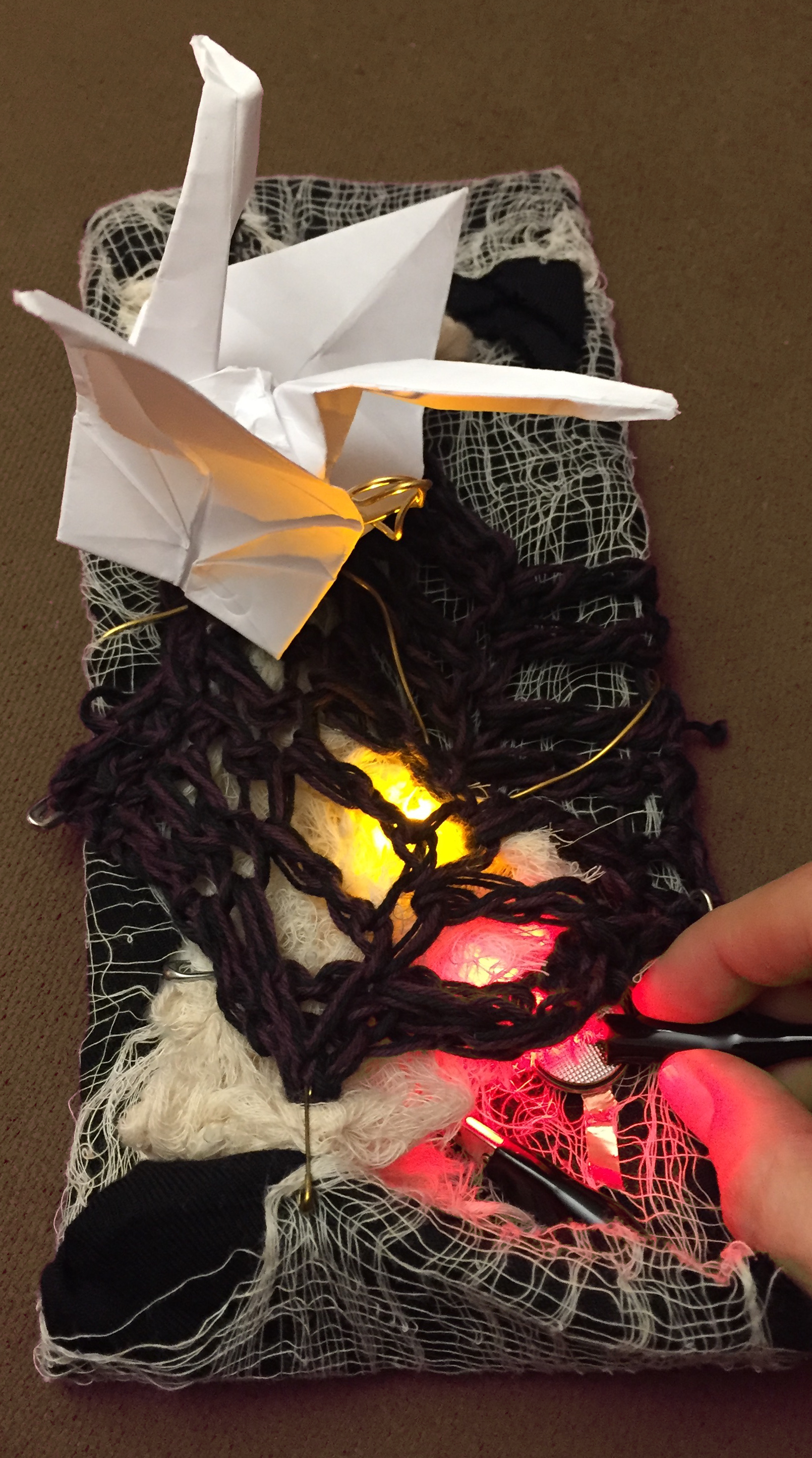
My tableau was from the mythology of a phoenix rising from the ashes.


The phoenix was made from the origami crane template.  I punched a hole in its tale, attached some brass wire, and then made it hover above some cardboard that I had covered with various layers of spare fabric I had on hand.  The circuit diagram below indicates the simple circuit I created using copper tape, two LEDs, a coin cell battery and the alligator clips.  I had to futz with the circuit in order that the led legs didn’t cross and short circuit without lighting the LEDs.  On the other hand, the shoddy work resulted in some nice flickering. Continue reading

Week 3 Assignment

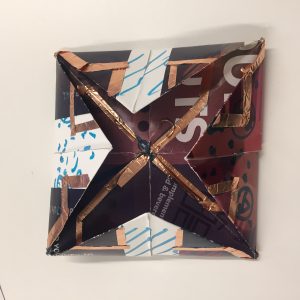
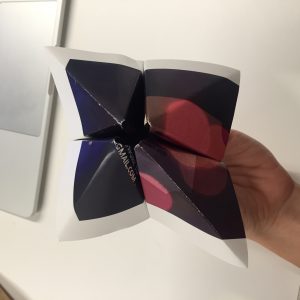
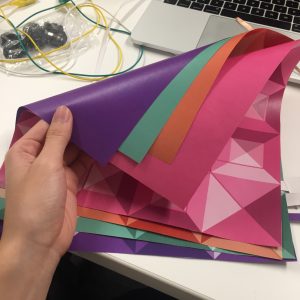
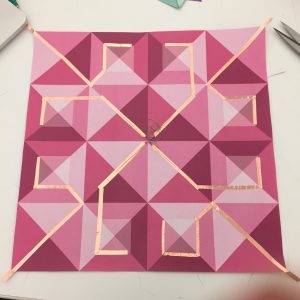
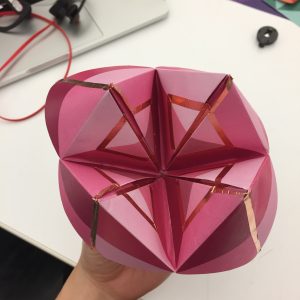
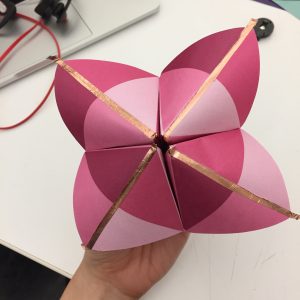
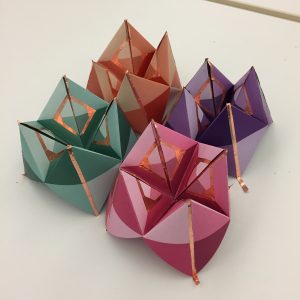
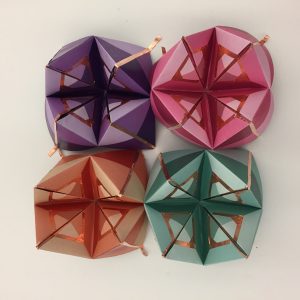
For this week’s assignment, I created a toggle switch, inspired by an origami paper game for children. I designed and printed a geometric pattern on paper and used copper tape to transform the paper into a conductive object. Below is the step-by-step process:

Step 1: Use a test paper to figure out the paths and areas where the copper tape could be used.

Step 2: Print patterns on paper

Step 3: Install copper tapes and conductive threads

Step 4: Fold & repeat

Demo: