Category Archives: Assignments

Assignment 4 by Jaeky Cheong + Yiying Xiao

circuit test video link :  https://youtu.be/7xN7Cr3xJxI

circuit explain for 5 year old :  https://vimeo.com/235579493

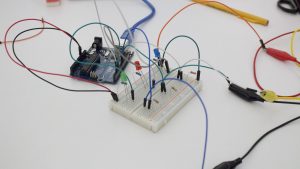
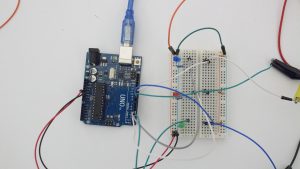
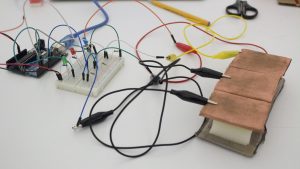
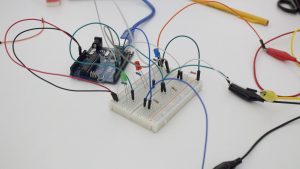
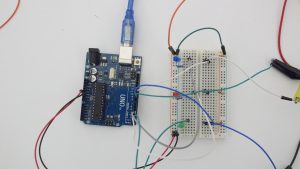
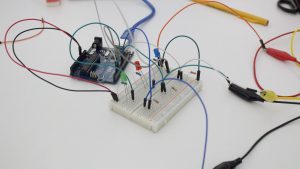
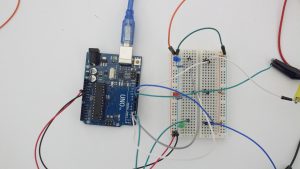
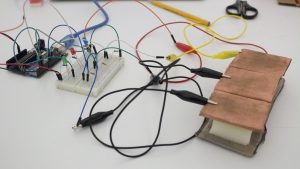
I use pressure sensor and set up 3 LED light in the circuit.

mesure range is 0~800.

if pressure is between 0~300 green LED is turn on

if pressure is between 300~500 red LED is turn on

if pressure is between 500~800 blue LED is turn on

-Jaeky Cheong
Assignment 4: Arduino + Sensors

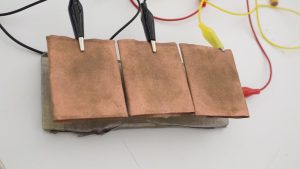
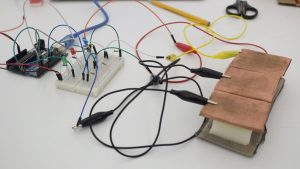
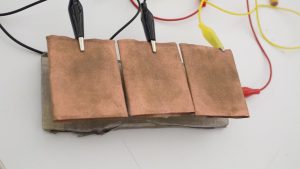
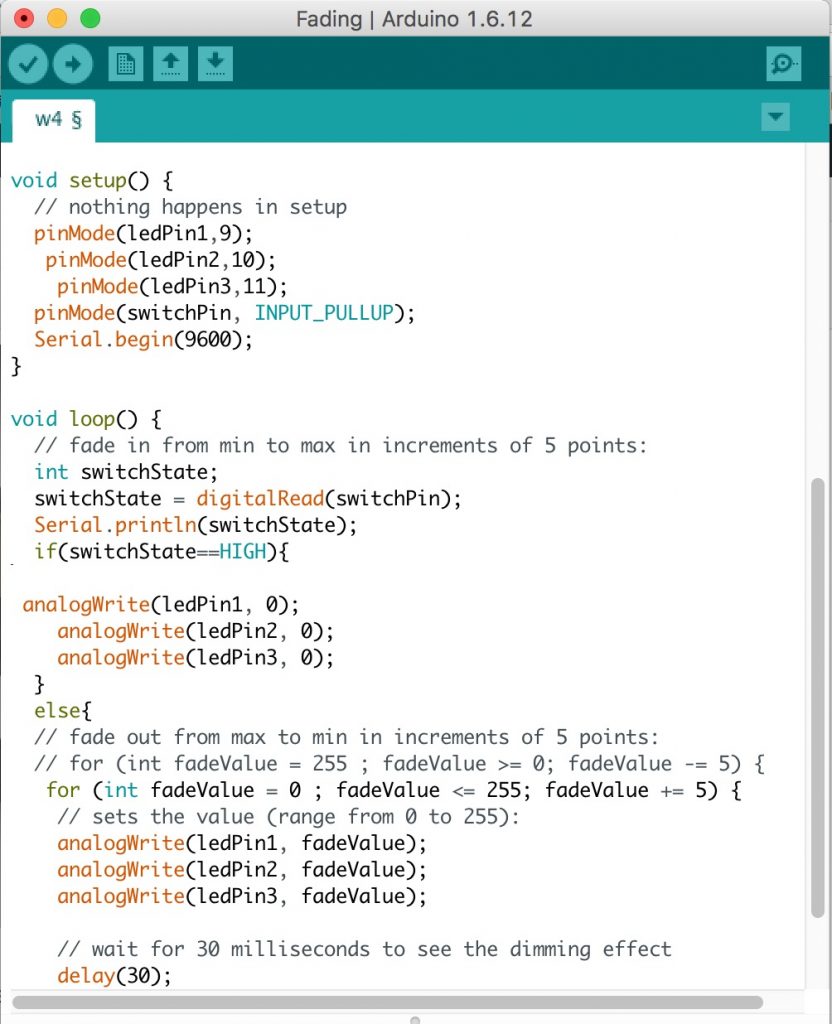
I am using Chang Liu‘s custom sensor (fan) to turn 3 LEDs on and off. The narrative behind these sensors is that there is a fire (red LEDs) to be put out and the only way to put it out is with a fan.

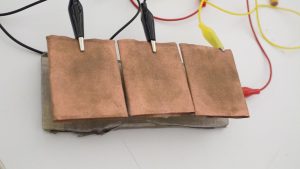
I extended Chang’s copper stripes so it would be more sensitive to movement. As I move the fan, the copper tape would touch each other and the LEDs would turn off.

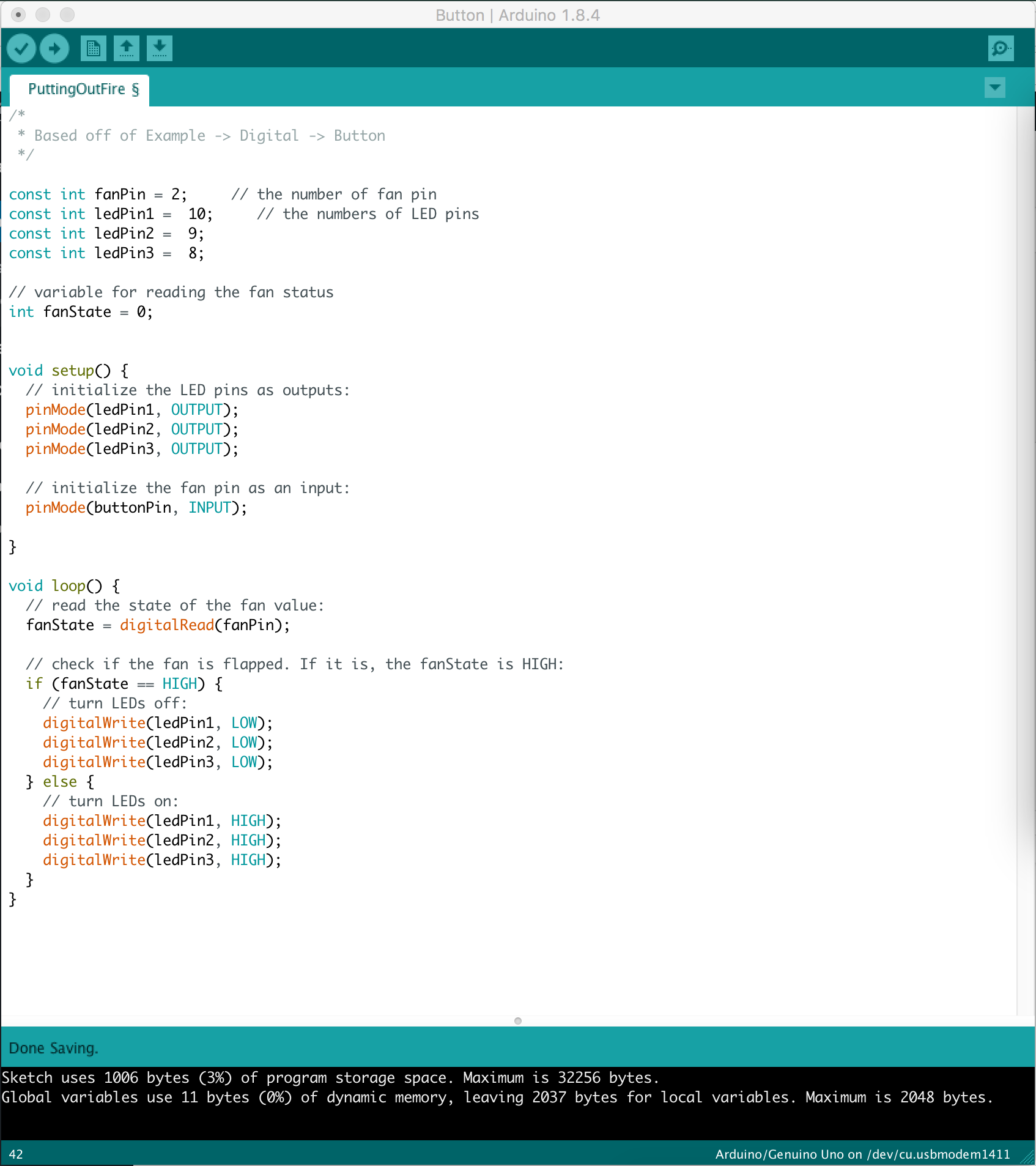
Below is the Arduino code:

This is a sample video of the sensor:

https://vimeo.com/235452325


Here is the explanation video for kids:

https://vimeo.com/235486618


Week 3 Assignment

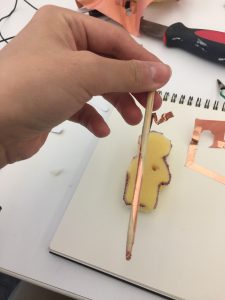
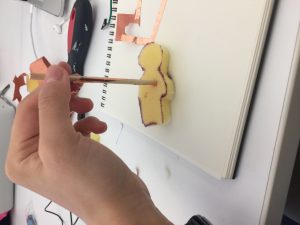
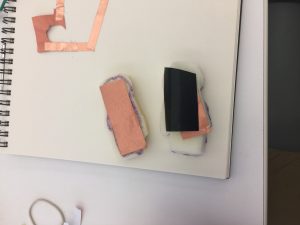
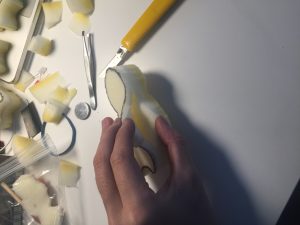
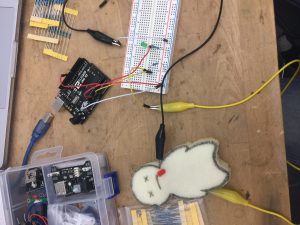
I was going to create a switch which you have to stab a sponge man to switch on the circuit.

But it didn’t work I guess it’s because the area of contact of the sword with copper tape and the back of the man with a piece of conductive fabric is too small.

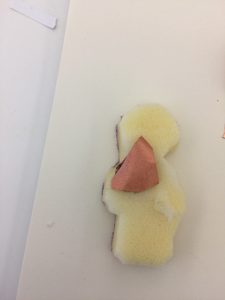
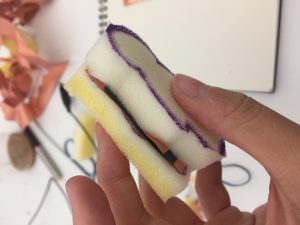
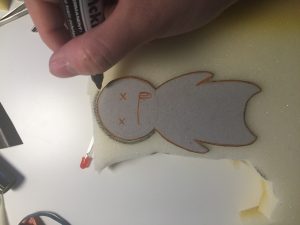
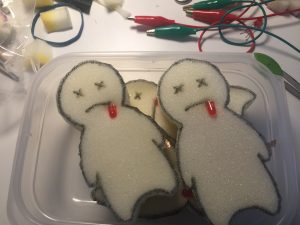
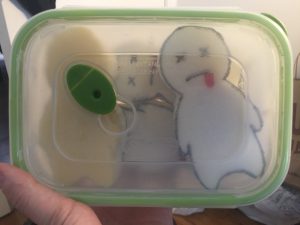
So I changed my idea to make a sensor – a sponge man that spits a drop of blood when you press him.

Prototype:

Week 1

This is a short animation about people have Alzheimer. It depicts the world of people with such disease in an effective way, we can learn from how the story line, medium and visuals are constructed. More importantly, such methods successfully make people to have sympathy and understanding for those who suffer from Alzheimer.

Week 4 Assignment

The circuit we built contains 3 LEDs, a button made by Dylan, resistors and an Arduino. Each LED is connected to a pin of Arduino and a button. If a button is presses, a pin will light up the connected LED.


 . 

A short play

This exercise was fun but challenging. Because it’s for explaining to a 5 year old, we want to make the short play understandable and simple. When we wanted to explain the circuit clearly, we added something and then we found it made the play complicated. When we wanted to make the play simple and straightforward, we simplified the play but found it could not explain clearly. When we discussed together, we came up with various ideas and made props. It’s really fun.


Week 4 Assignment

We used the switch Dylan has created to explain the circuit. We started by explaining the power that circulates around, finding a connection to be made and then introduced each led and the pins each led is plugged into. Then we explained that if the button that coordinates with the led is pressed then power will come through and the led will light up, this is to portray the if/else statements.