Cave Paintings
Maybe ancient civilizations are more advanced than we think they are…
If you ever enter one of these caves.
Just hold the painting’s hands,
Unexpected things may happen…
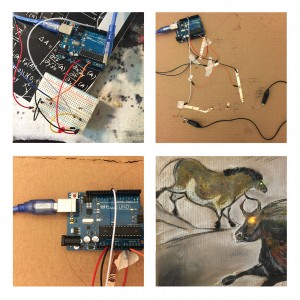
Cave Paintings
Maybe ancient civilizations are more advanced than we think they are…
If you ever enter one of these caves.
Just hold the painting’s hands,
Unexpected things may happen…
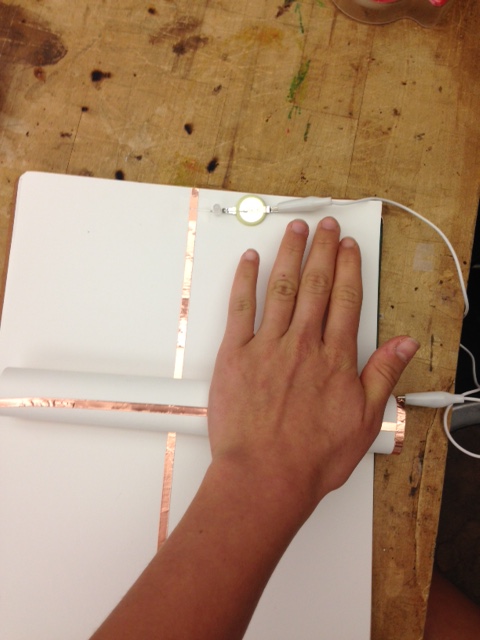
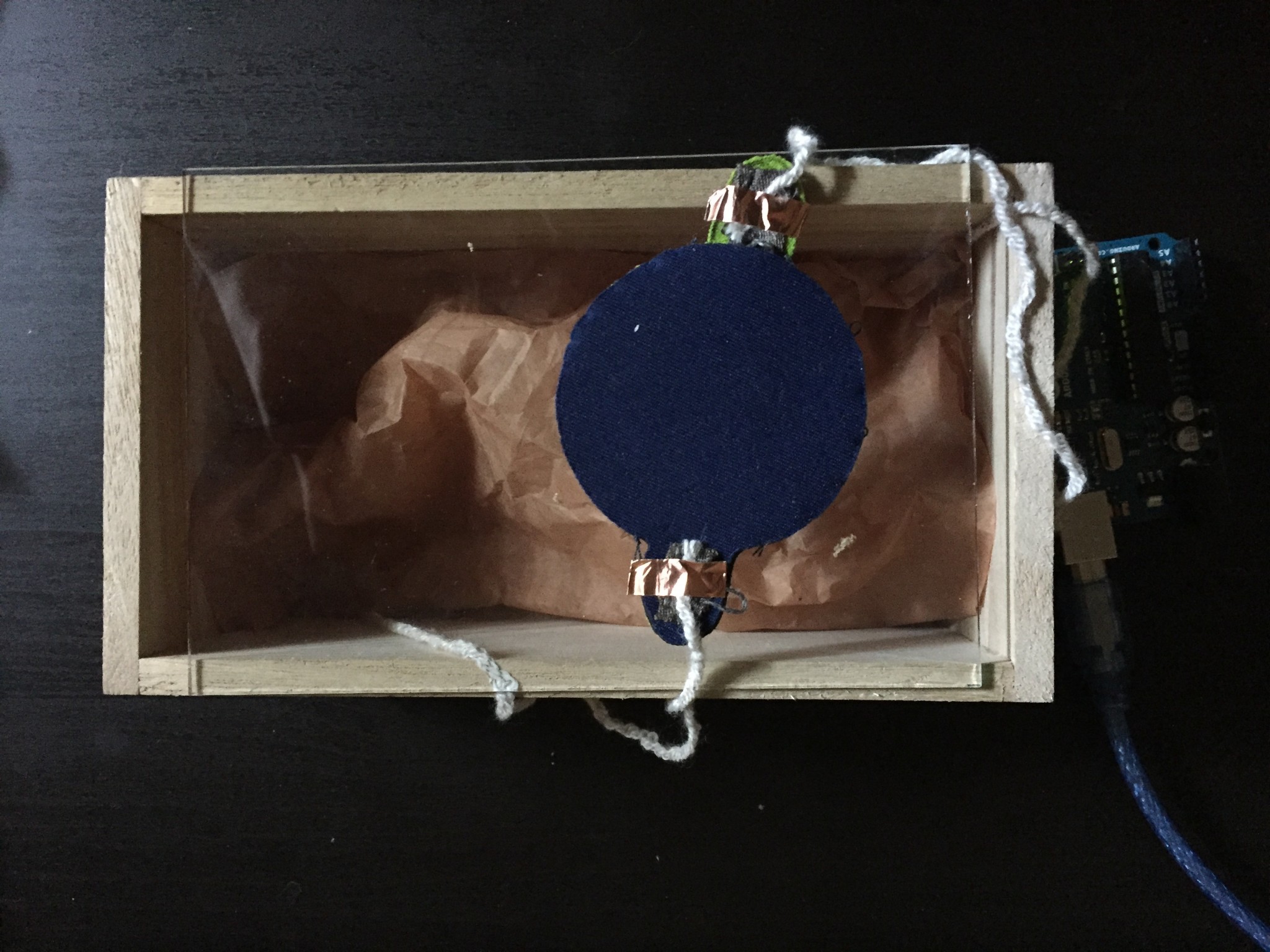
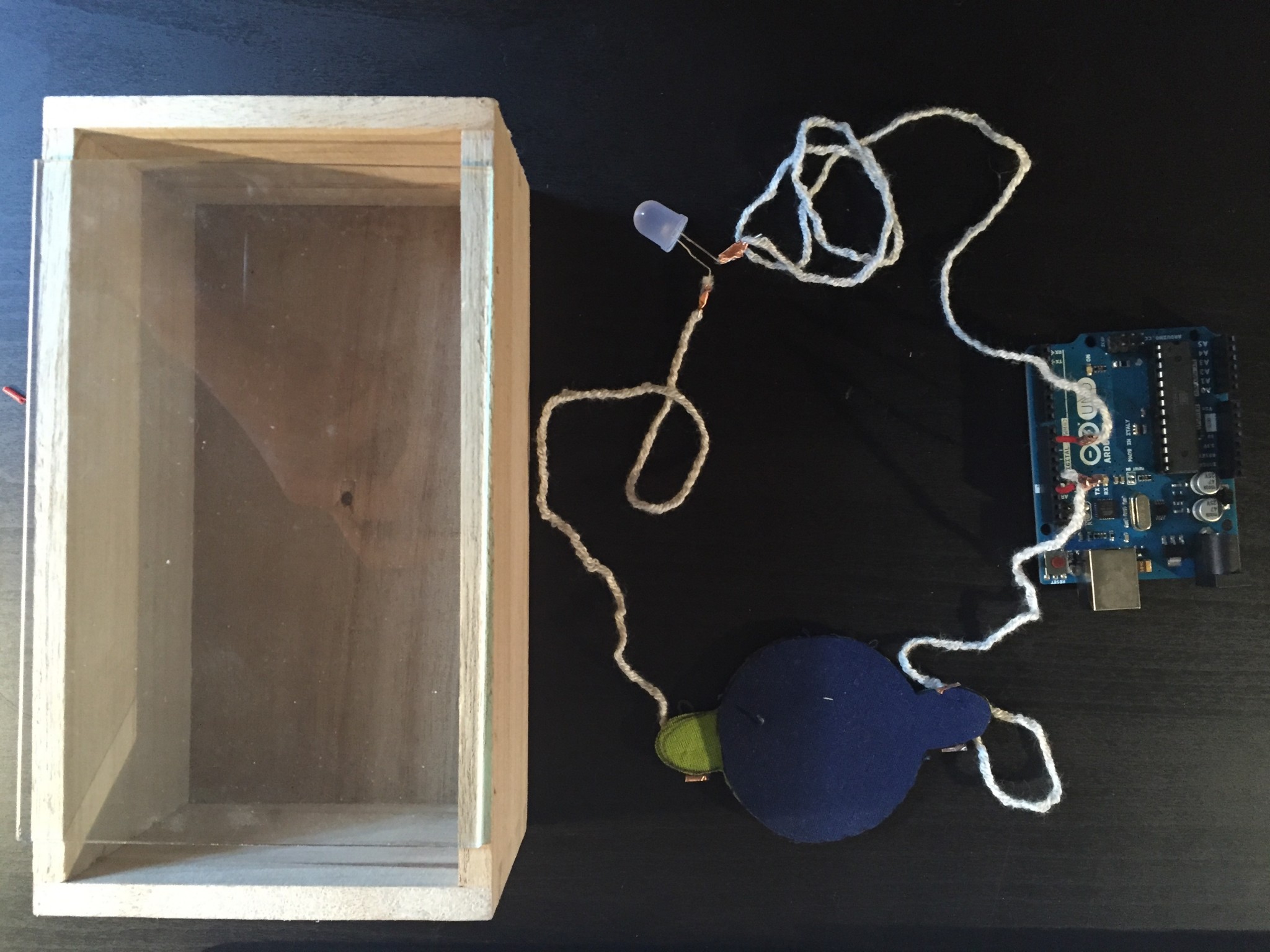
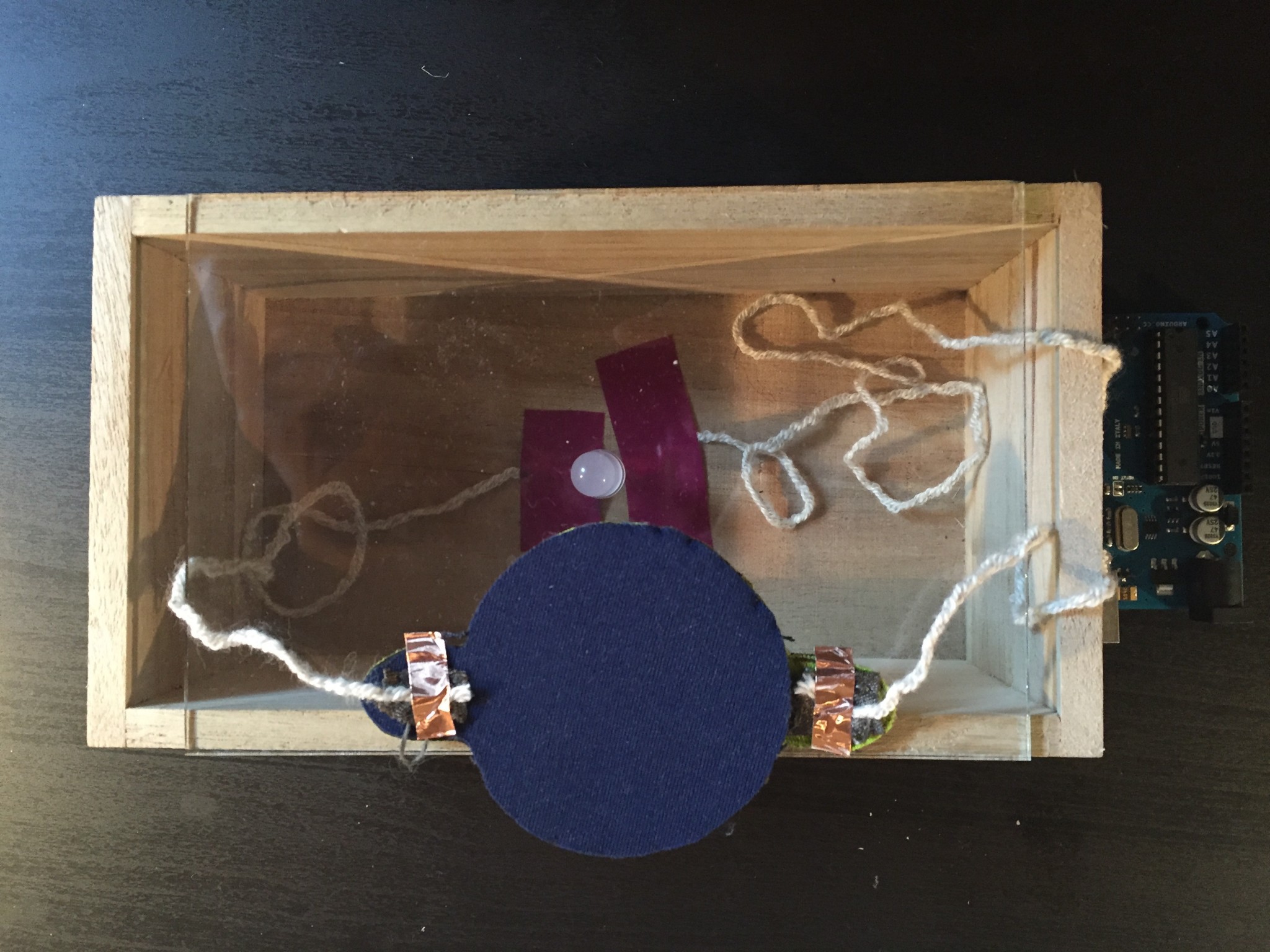
Rolling Switch:
Switch On:
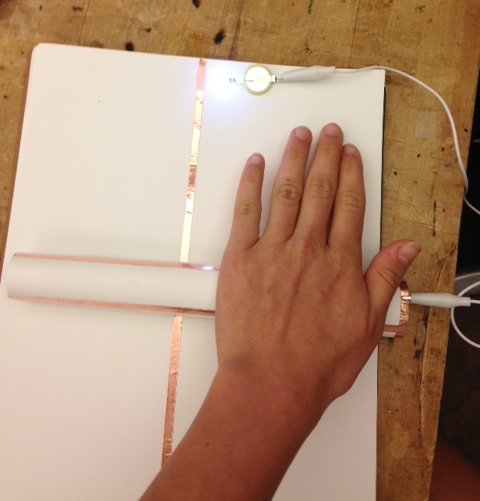
Switch Off:
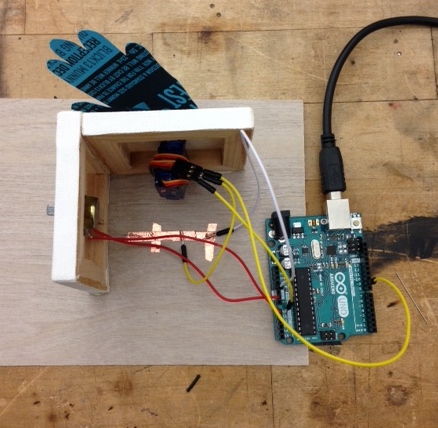
Behavior Story_Wave
On his first day of fifth grade, Bob, decided that he was finally going to say hello to his kindergarten crush, Beca. The only problem was that Bob was so shy he could never muster the courage to actually speak to Beca. So, Bob did what Bob does best, and built a waving robot to do the talking for him.
Unfortunately, when he used it at school Tess, the girl sitting in front of Beca, thought the wave was meant for her. Tess walked over and started talking to Bob….and never stopped. The two lived awkwardly ever after.
The heart beats fast when the flower bunch gets close to it.
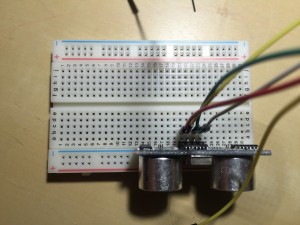
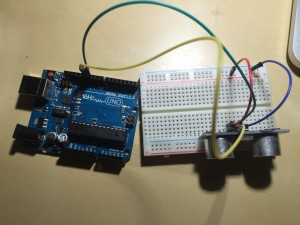
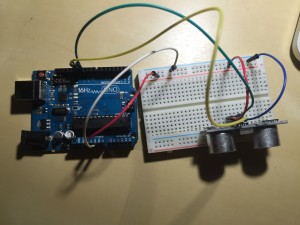
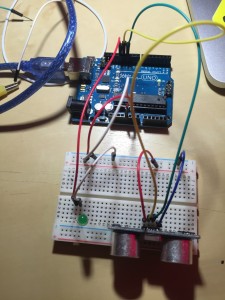
Code
// —————————————————————————
// Example NewPing library sketch that does a ping about 20 times per second.
// —————————————————————————
#define ledPin 13
#include <NewPing.h>
#define TRIGGER_PIN 12 // Arduino pin tied to trigger pin on the ultrasonic sensor.
#define ECHO_PIN 11 // Arduino pin tied to echo pin on the ultrasonic sensor.
#define MAX_DISTANCE 200 // Maximum distance we want to ping for (in centimeters). Maximum sensor distance is rated at 400-500cm.
NewPing sonar(TRIGGER_PIN, ECHO_PIN, MAX_DISTANCE); // NewPing setup of pins and maximum distance.
void setup() {
pinMode (ledPin, OUTPUT);
Serial.begin(115200); // Open serial monitor at 115200 baud to see ping results.
}
void loop() {
delay(3); // Wait 50ms between pings (about 20 pings/sec). 29ms should be the shortest delay between pings.
unsigned int uS = sonar.ping(); // Send ping, get ping time in microseconds (uS).
Serial.print(“Ping: “);
Serial.print(uS / US_ROUNDTRIP_CM); // Convert ping time to distance in cm and print result (0 = outside set distance range)
Serial.println(“cm”);
if (uS / US_ROUNDTRIP_CM > 30) { // This is where the LED On/Off happens
digitalWrite(ledPin,HIGH); // When the Red condition is met, the Green LED should turn off
}
else {
digitalWrite(ledPin,LOW);
}
if (uS / US_ROUNDTRIP_CM <= 30 || uS / US_ROUNDTRIP_CM >= 0){
}
else {
Serial.print(uS / US_ROUNDTRIP_CM);
Serial.println(” cm”);
}
delay(3);
}
Simulating computer could also have emotion.
//Updates are coming! See links to tutorials below in the meantime :o)
Code examples below and here:
HOW TO:
Download the zip file. Place in it your Arduino folder (probably in your Documents folder) and unzip it:
GETTING STARTED:
Here is the VERY HELPFUL getting started tutorial for working with the ATtiny.
INCLUDED:
Code and schematics for each
Capacitive Sensing
1) CapSense_Arduino_with_LED
Use this with Arduino
2) CapSense_ATTiny
Use this with the ATtiny
3) CapSense_ATTiny_SoftwareSerial
Use this to read sensor values from ATtiny. Here is a helpful tutorial.
Human Circuit
1) HumanCircuit_with_Arduino_LED
Use this with Arduino. Can adapt to ATtiny
2) Touch_ATtiny_Mellis
Use this with ATtiny. Has been finicky for some. Here is the documentation.
Action: digging / looking / discovering
– pressure sensor
– LED light
– Arduino (programmed to fade)
I did a rough prototype of an experience to encourage the user to dig/look and discover what there is underneath the sand. The combination of touching the sand while also getting light feedback might encourage the use to keep on doing it while maybe relaxing them.

Behavior — BLUSHING
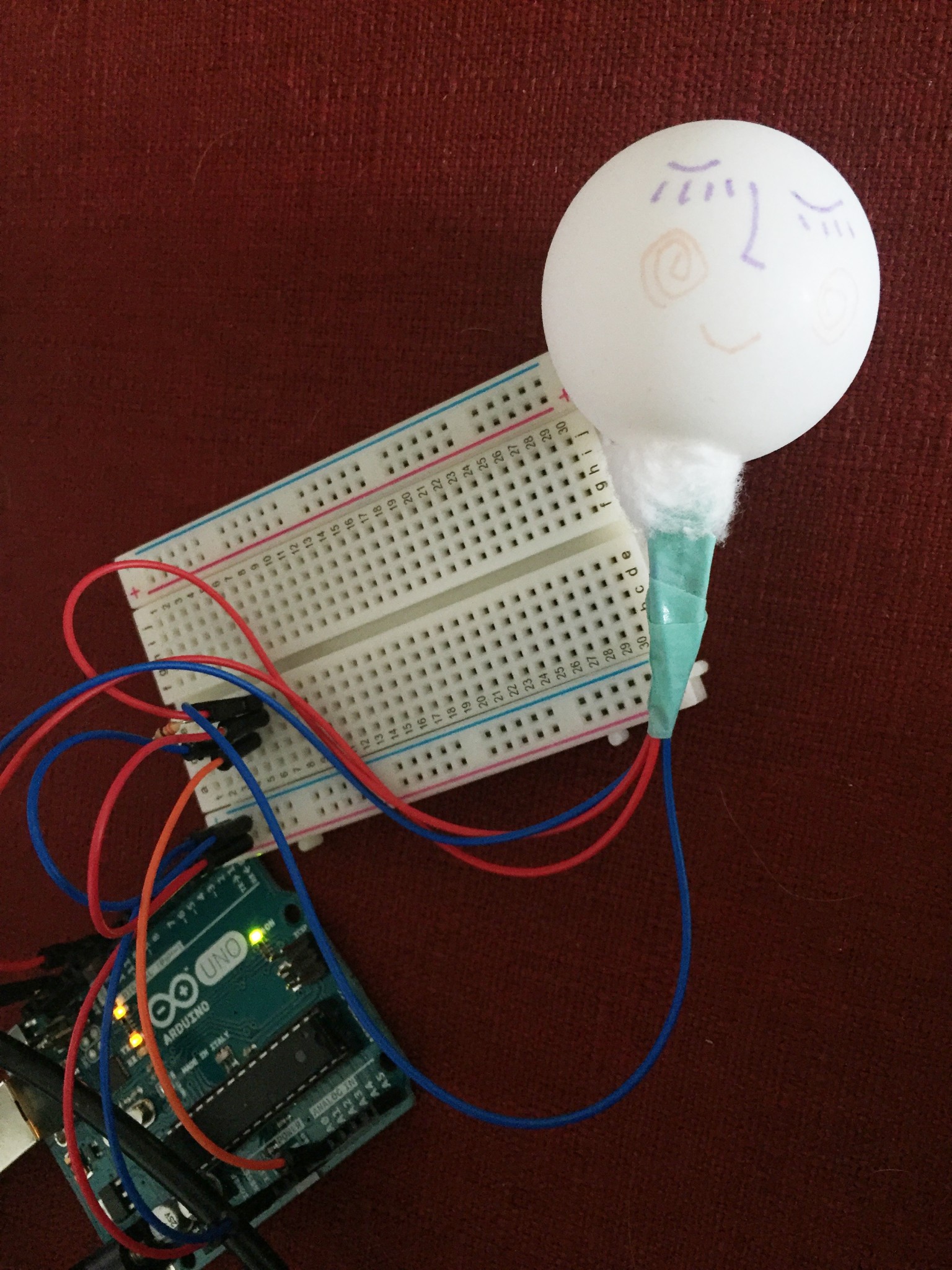
When someone gets close to him, he gets shy and blushes.
I used a photo resistor to sense people approaching.
The four alien guys want to say something to each other at the same time as the button is being pressed, so we can’t hear what they are saying. You can give one of them the opportunity to speak randomly by unpressing the button, then the selected guy can say what he wants to say.
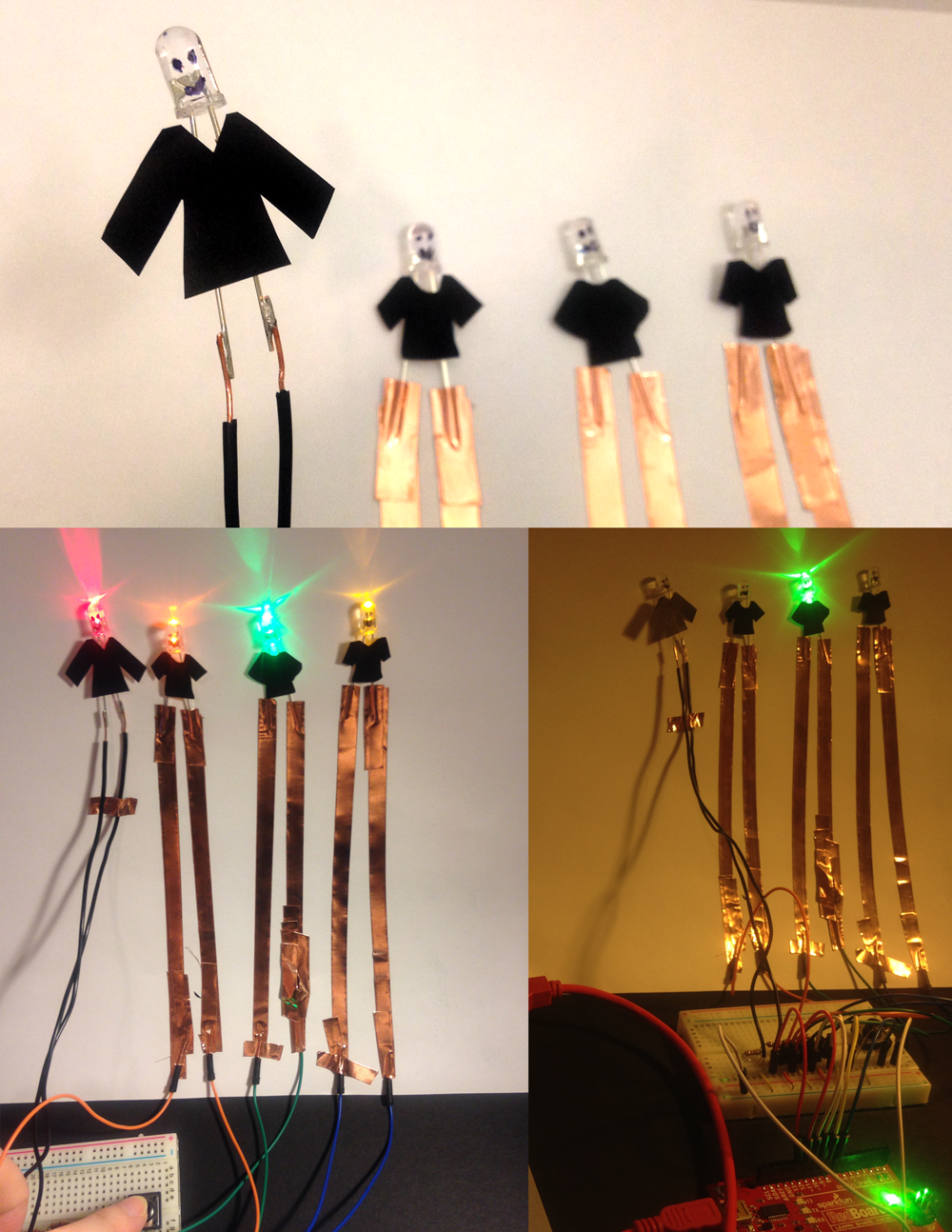
Arduino, LED x 4, wires, copper tape, one pushbutton
Hello, I’m a maker, designer, artist, learner
Identity can be complex, titles such as craftsperson, coder, educator and engineer seem to imply a professional identity that I wouldn’t identify with. Whereas maker, learner, gamer, storyteller seem more descriptive of activities on would enjoy doing. Thus I’m a maker if I like to make, but not a craftsperson if I like to craft.
My favorite tool is a smoke machine! Remarkably versatile when combined with lights to create all sorts of atmospheres.
I enjoyed the craft learning exercise, I think it reinforced the community aspects of traditional craft learning using shared knowledge. Which is something different and important than the same knowledge conveyed via a youtube video.