Category Archives: Uncategorized

Cat Schmitz Homework

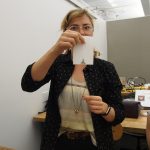
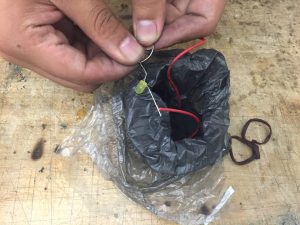
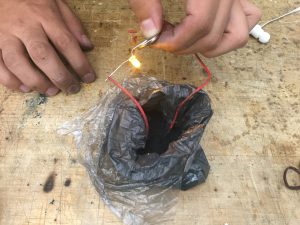
img_2701 img_2702

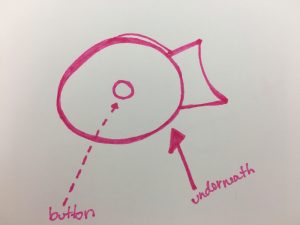
For my midterm, my design goal is to create a thinking cap for students which will signify when a student is thinking and not to be bothered! This is for DT 2nd years in the thesis process.

Materials:

Light bulb

hat

conductive thread

conductive fabric + foam

big battery

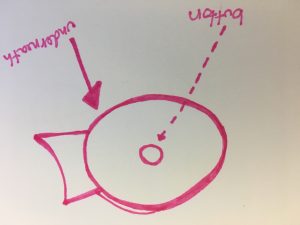
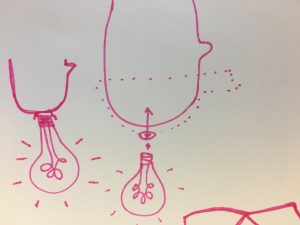
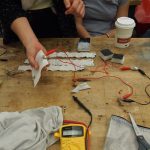
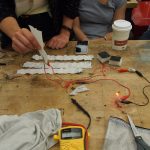
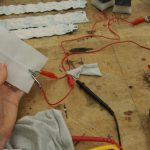
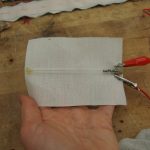
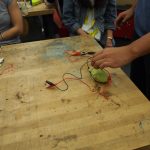
The idea is pretty simple: The light bulb will be mounted on top of the hat and there will be a button inside of the hat. When the head touches the top of the hat, the pressure will push the button down and complete the circuit which will turn on the light bulb.


img_2703 img_2704


Precedent


Image result for knitted radio

The Knitted Radio! Using textiles + clothing as electronic mediums.


LED + Sensor homework

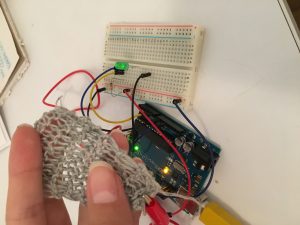
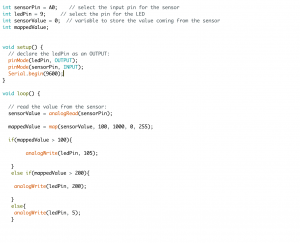
I did a simple if.else statement that would display the brightness of the LED at a different stage depending on the sensor reading.


img_2698 img_2699-mov screen-shot-2016-10-04-at-10-29-05-am

Week 5 Homework – Alonso Castro

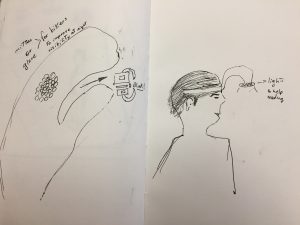
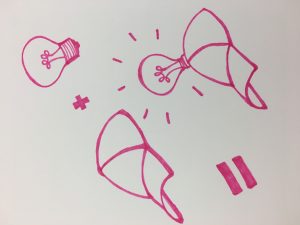
The prototypes I have prepared are two different ones to represent lamps. One is a mitten or glove for bike riders that will help them see things immediately close to the handlebars in darkness.

The second drawing on the right is a tool for people who enjoy reading in small dark corners.

img_5500


Jed Segovia, Week 5: Ice Cream Sandwich Sensor Homework

My code for this project.

I wanted to make an easy sensor so I could focus my energy on the Arduino code.

I used the ice cream sandwich swatch example shared by Cat Schmitz. I cut a circle of foam, cut a hole in the middle, and sandwiched it between two velostat sheets. Now I needed lobster clips to complete the circuit.

When I got that working I tried using the sensor instead of a regular button in the typical Arduino Button sketch. I replaced the button with two lead wires, and lobster clipped them with my button. It didn’t work. I was dismayed because it looked like my sensor button wouldn’t work. I also realized the Arduino cable was broken, and not detecting my port. Another setback. I left to buy two Arduino USB cables at Tinkersphere in 5th Street, and I spent an hour doing that.

It wasn’t until I reviewed the previous week’s slides did I realize that there was a sketch called “ReadingSensorValues.” I couldn’t find it in the Arduino examples, and was at a loss, until my classmate Audrey pointed out there was a link to our instructor’s Github right under the slideshow. Thankfully Audrey pointed it out. I ran the sensor homework and voila, I got the sensor to produce a range of brightness in my LED.

Using this template, I would now scale it up to three LEDs. First, I scaled it to two.

Scaling it up to two, I wanted to activate the first LED immediately, and activate the second LED only after pressing down the button for a certain time.

I struggled to use an If/Then code, so I went with While, which is certainly interesting. My first successful attempt was turning on the white LED right away, and when the sensor is pressed, the blue LED lights up. When the blue LED’s value goes beyond 150, the white LED turns off.

I finally got three LEDs to work with if-then statements. The circuit is based on how much pressure is delivered on my button. The blue LED lights up first. When the blue LED value goes beyond 110, the white LED lights up. As long as I am pressing hard on the sensor, the values of both the blue and white LEDs go up. When the white LED value goes beyond 140, the yellow LED lights up.

Lovely. Seeing the LEDs light up with a range of brightness is exciting. Plenty of potential applications to many projects.

Now to see if I can synthesize this into my Internet of Things homework.
Link

I learned a new Craft

I identify myself as a Interactive Designer, Maker & Creative Technologist who aims to create solutions for society both in Peru and the US using my own personal identity, and cultural and professional backgrounds. All are sources for inspiration for my DT projects and the NYC creative and technology communities.
My favorite tool is always my notebook, pen/pencil and a sketchbook too because its always good to write down ideas in many different ways (mind maps, drawing, reading, etc) to get organized and perhaps see things that have been ignored. Thais is how I always start. Sometimes I replace the previously mentioned tools with a whiteboard and a few markers.

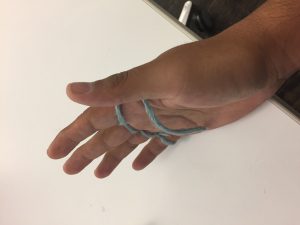
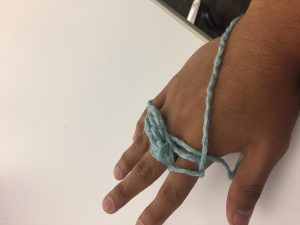
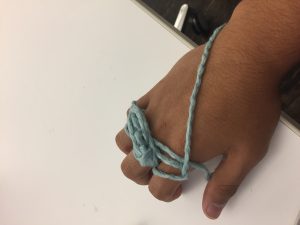
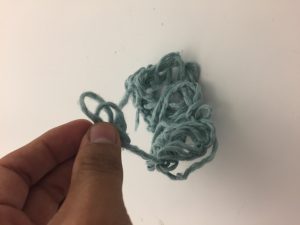
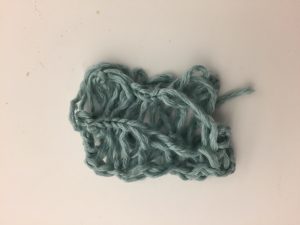
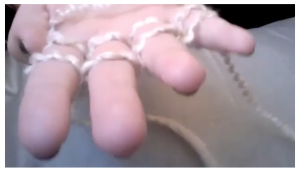
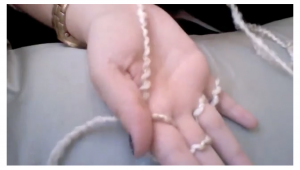
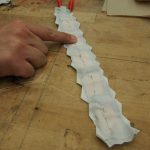
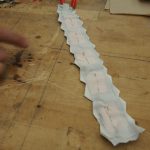
Finger knitting was one of the hardest things I have tried to learn this year. At first it was frustrating because the different tutorial videos made it look easy. I got to a point where I decided to shut down my computer and turn the music on. I found that it was very methodic and fun. My advice for whoever wants to start finger knitting would be trying with with different materials and thicknesses. Some good examples I saw used old t-shirts cut into long strips, very thick yarn, elastic fabric.

img_5473-2img_5471-2

img_5472-2

img_5477-2


img_5474-2

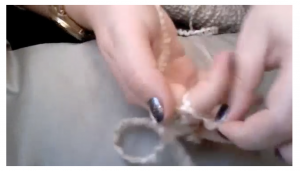
The following is the tutorial I watched to learn how to finger knit.

screen-shot-2016-09-26-at-7-07-59-pm screen-shot-2016-09-26-at-7-07-08-pm screen-shot-2016-09-26-at-7-06-31-pm

http://pinetothepacific.blogspot.com/2011/12/make-your-own-finger-knit-scarf.html

Homework Assignment #4- I LOVE KNITTING- Cat Schmitz

I am a storyteller, designer, learner, researcher, and an educator. I tend to lean towards projects that are based in understanding someone’s story and communicating that to create new conversation that could perhaps spark change. My design process is heavily dependent on research and learning and my design goal is to educate from my findings.

Favorite tool- Markers and a blank page. Markers are so colorful and expressive and there’s so much possibility with a blank page.

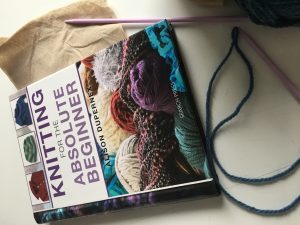
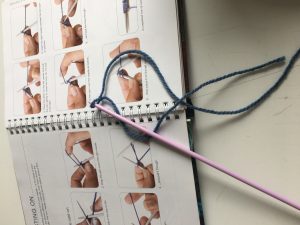
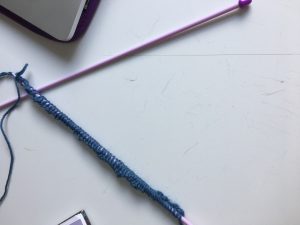
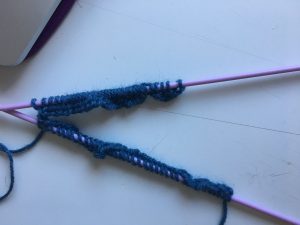
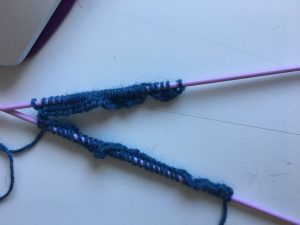
So this week, I tried KNITTING! I knew nothing about it and found myself lost in the yarn section at Michaels. My original goal was to make a massive knit blanket with chunky yarn, but a gut feeling told me to calm down and buy a book for beginners before I . So, I bought a book called KNITTING FOR ABSOLUTE BEGINNERS and found myself struggling to tie the first slip knot. 49641953806__d7850c27-dfac-4ebc-99e9-d844bcc07537 49641953133__c97e57e5-f109-49b7-bfb5-1f79e3eee553

After some struggling with a helpful DT classmate, Aine, I was able to learn how to cast on a few stitches. Casting on, from what I understand, is basically making some stitches. See below.

49642465117__6082c105-7dc6-4c3c-a28d-9b45e656b756


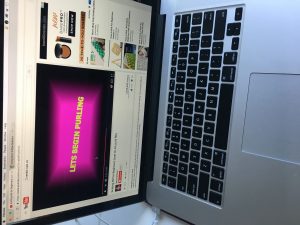
So, this was knitting. Nowhere in my book did I find an explanation for what do even do next, so I started randomly googling “what to do after you cast on- knitting.” Then, I found this gem on youtube.

So here’s the result of that:

img_2396-2 img_2397-2

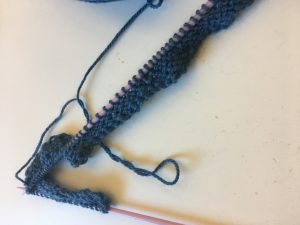
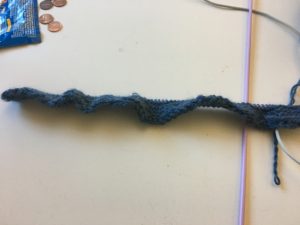
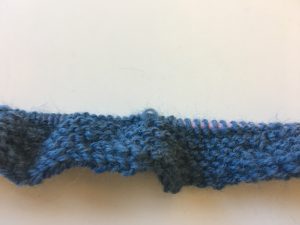
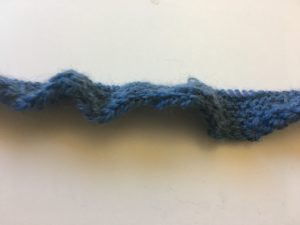
and after many hours, this is what I have:

img_2396-4 img_2398 img_2399 img_2401 img_2400

A few thoughts:


I LOVED KNITTING!!!! It was so fun and relaxing. The hardest part was getting the knots right, so asking for help was crucial as well as some googling. Once I got going, I felt a lot better and quickly picked it up. I obviously have a rough start with some missing stitches, but I still feel hopeful about picking it up more as I do it.

One thing: knitting is time consuming. I love doing it and consider it a very zen activity that I want to continue, but I need to scale my ideas of massive knit blankets down a tad.


Week 3 Assignment – Swatches by Alonso Castro

img_5465img_5464img_5466

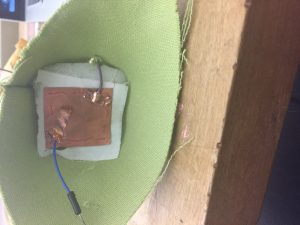
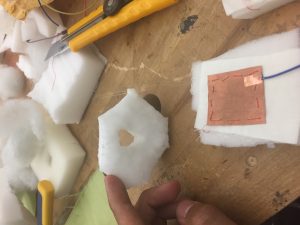
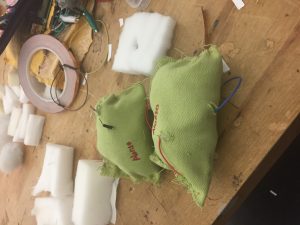
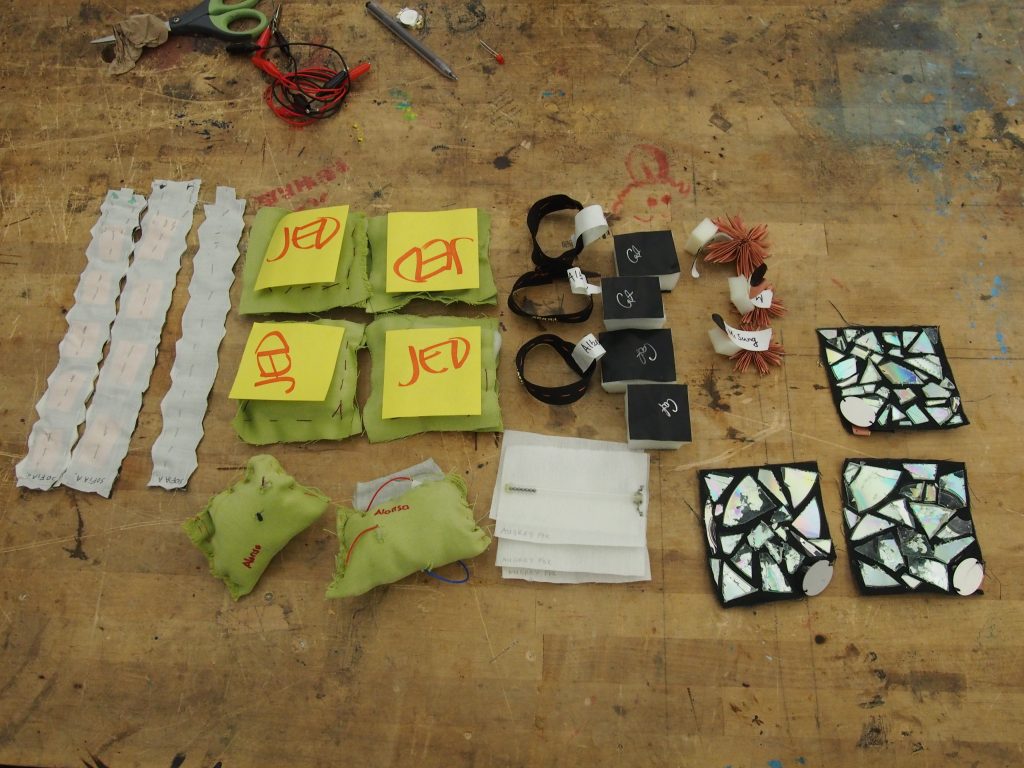
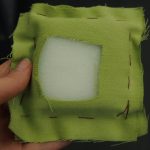
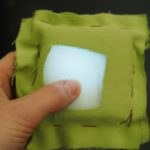
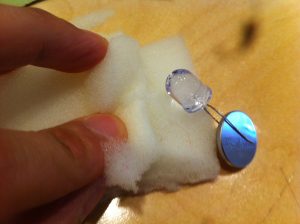
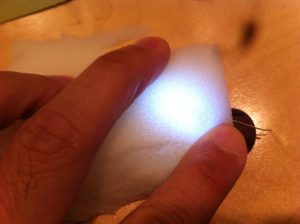
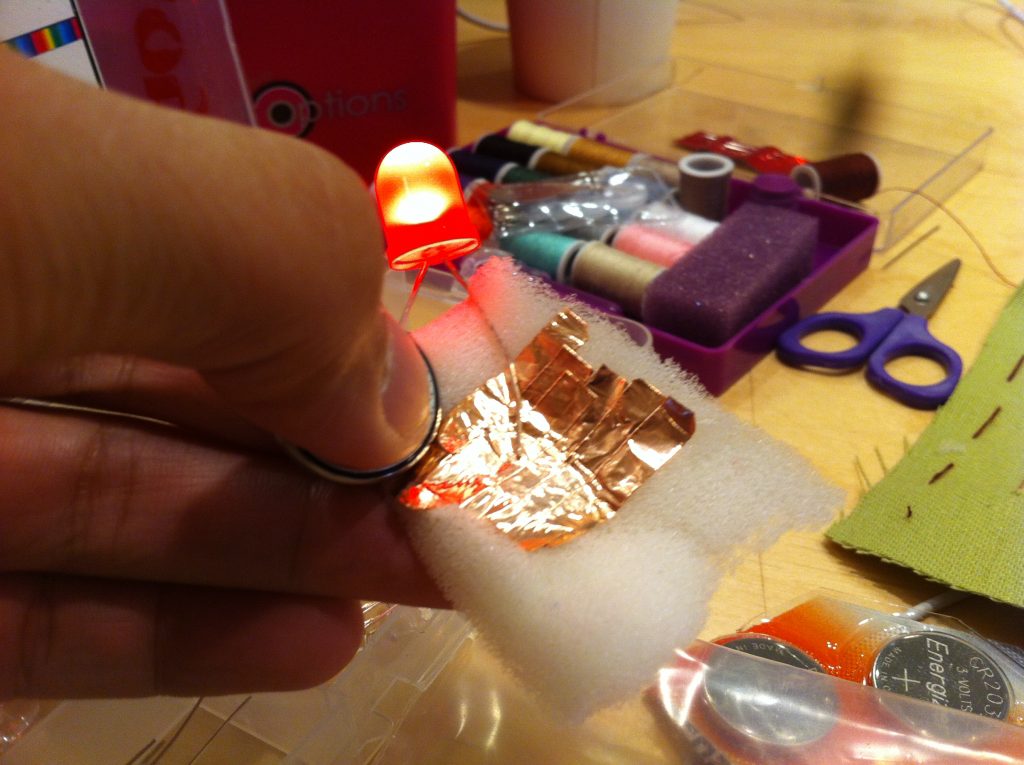
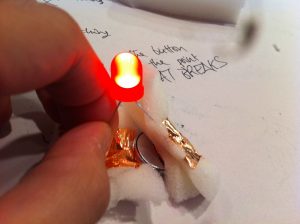
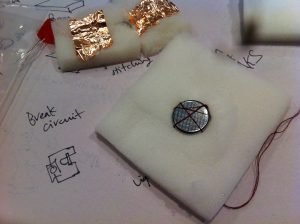
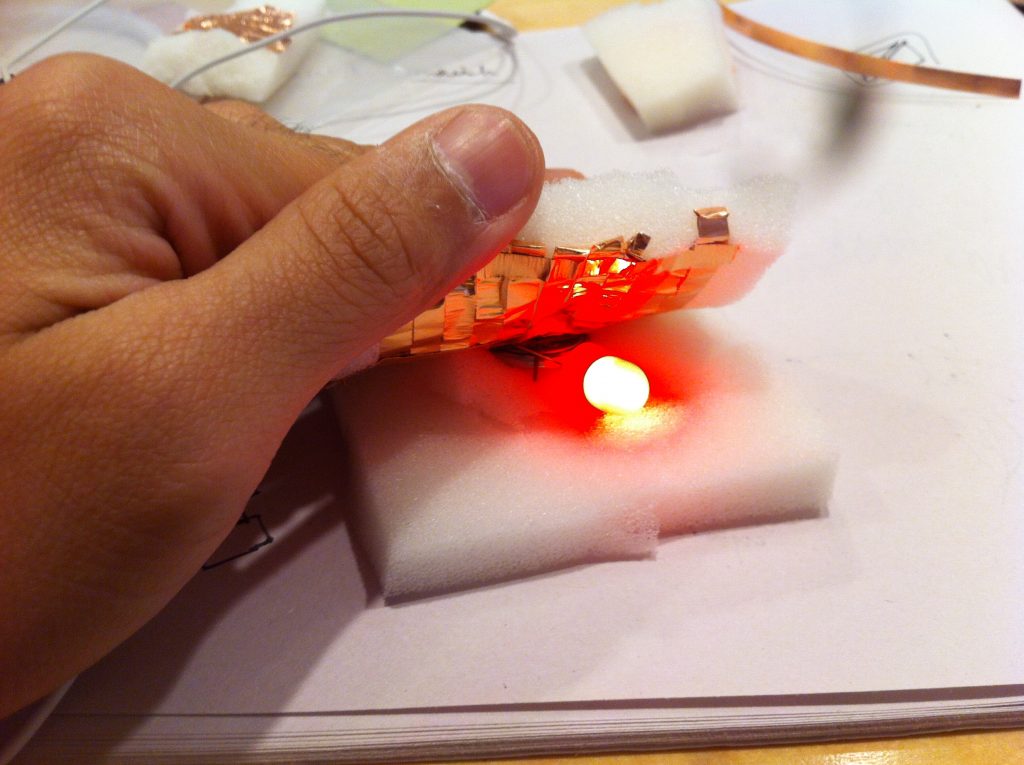
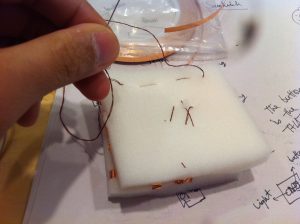
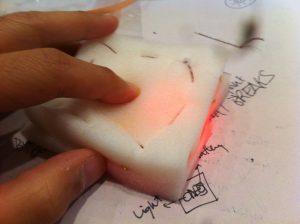
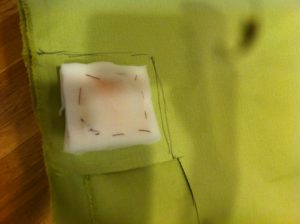
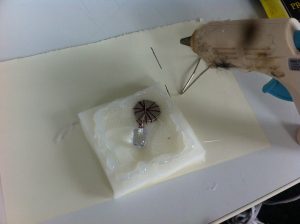
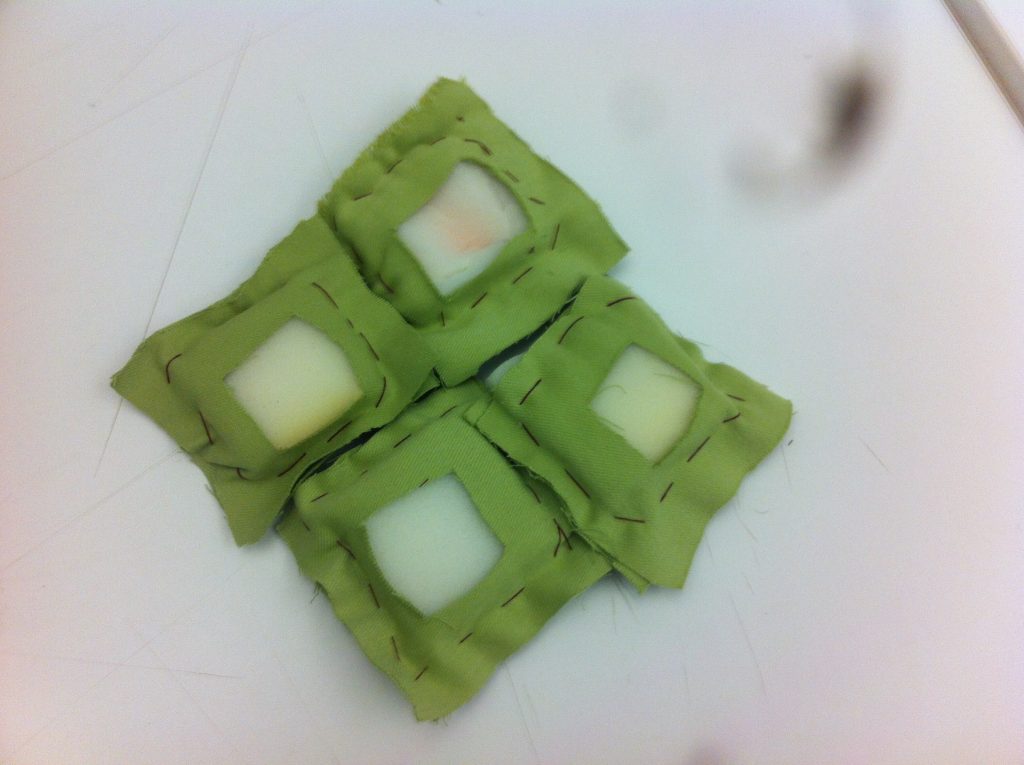
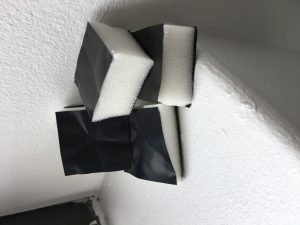
My first iteration of this project was inspired by the LED throwies shown in class, but in this case I wanted to make discs made with foam and cotton fabric and let it be a toy where two or more people could play with. Then, I could not make the disc fly well enough without the battery, LED light and wired inside so I decided to make little pillow-shaped object with wires hanging on the outside for easily changing batteries and/or LEDs. Inside the pillows I made a sandwich circuit with two pieces of foam holding a piece of cotton knitted onto copper fabric and in the middle a piece of foam with a hole in the middle that would break the circuit unless the pillow was pressed to create a contact between the two pieces of copper fabric.


Week 4: Hello World

Reading Sensor Values


In class documentation

Swatch Exchange: Sensors

Jed Segovia: Swatches

2016-09-17-14-05-34 2016-09-17-14-05-42 2016-09-17-14-44-30 2016-09-17-15-09-20 2016-09-17-15-30-09 2016-09-17-15-30-21  2016-09-17-17-03-40 2016-09-17-17-08-23 2016-09-17-17-20-02 2016-09-17-17-53-55 2016-09-17-18-05-50 2016-09-17-18-11-11 2016-09-17-18-20-01 2016-09-18-15-25-21 2016-09-18-19-42-54

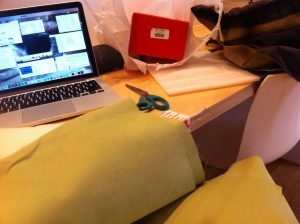
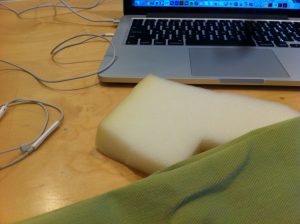
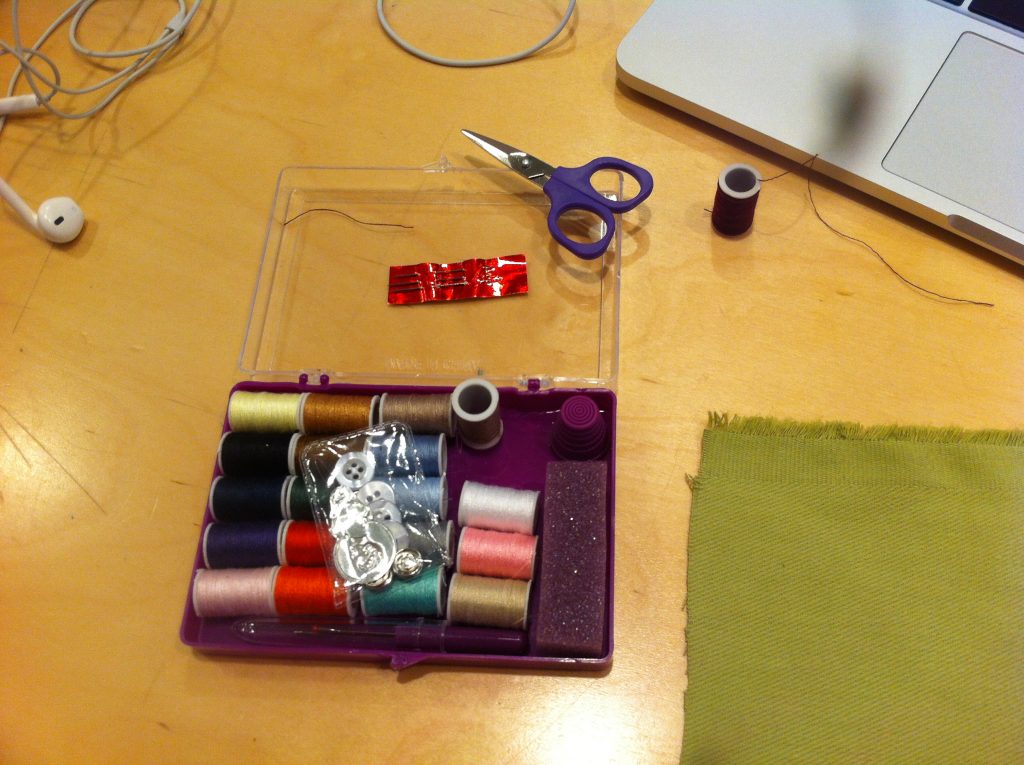
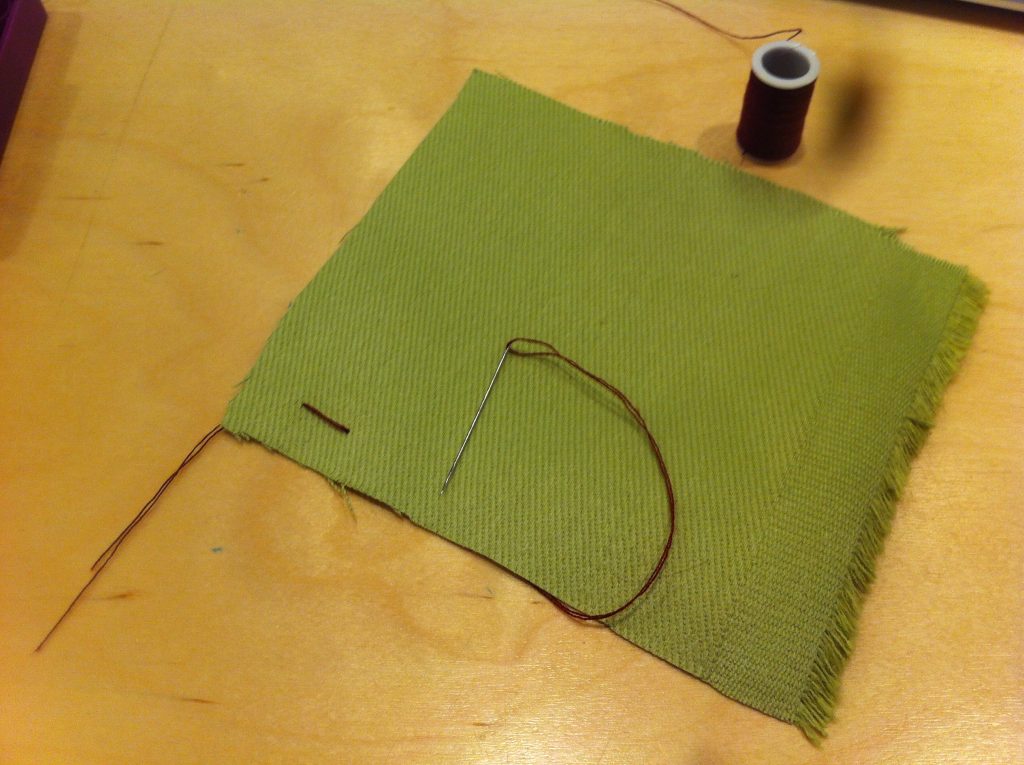
I personally had fun with this because I learned how to sew!

I decided to make a simple button based on the example our instructor showed us in class. She used foam, velostat, alligator wires, an LED, and a 9V battery.

I thought about doing something similar with the conductive thread. But since I was a first-time sewer, I didn’t have time to figure out how to work the conductive thread. Instead, I went for a simple 3V coin battery and LED circuit combination.

I made a circuit sandwich with two pieces of foam and stitched fabric. I put the button inside and essentially sewed up a light-up pillow.

Week 2 Homework 2 – Alonso Castro

In class assignment

img_5436img_5435

Homework 2

img_5453 img_5455

Illustration – Itsy Bitsy Spider from Alonso Castro on Vimeo.

I first wanted to try the homework illustrating itsy bitsy spider using graphite powder, but realized that the amount of powder used for it to be able to be conductive would have to be a full bag of it. Then, noticed it was very resistive used in small amounts.

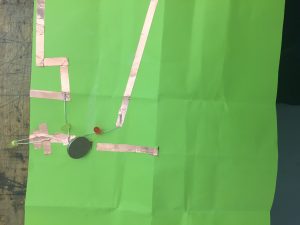
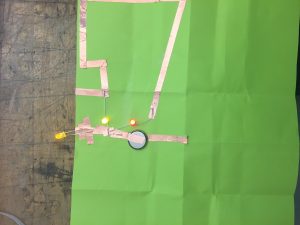
I decided to then draw the song and connect a battery (the sun) to an LED light (on the tip of the umbrella) using copper tape.